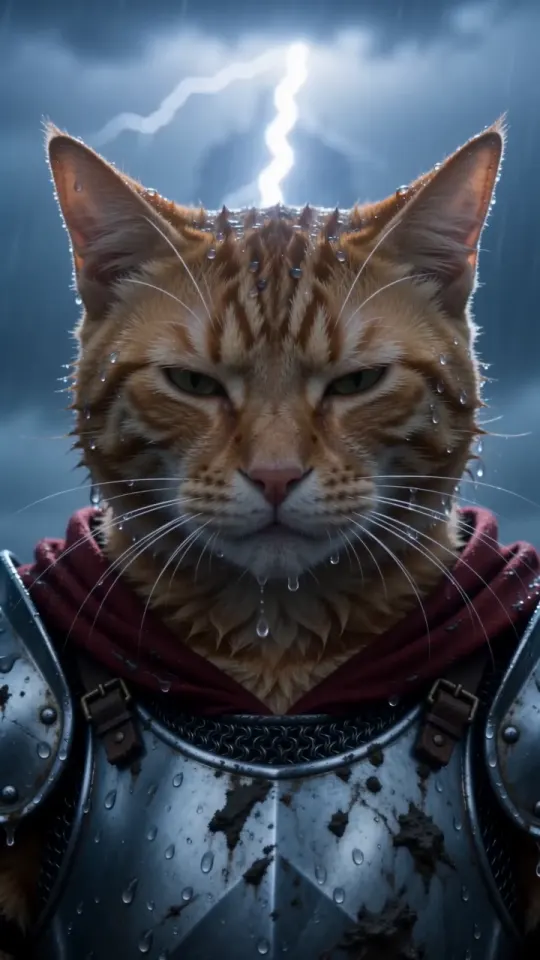
How to do the knight cat AI trend in CapCut (template + prompt)
Yes, you can do the knight cat AI trend in CapCut: search its templates for “Knight AI”, swap in your pet’s photo and export. Steps, limits and two other routes.
5 min read · Updated
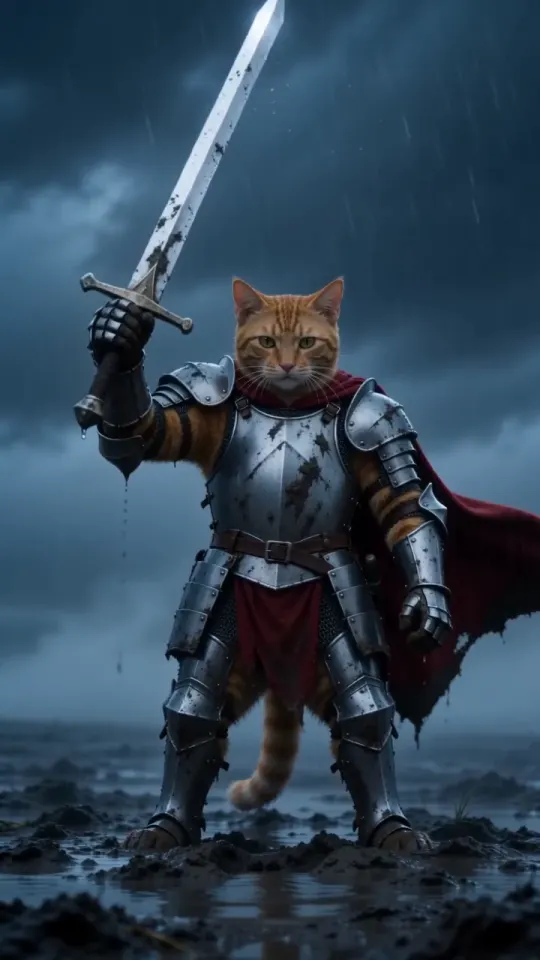
Can you do the knight cat AI trend in CapCut?
Yes: open CapCut, search its templates for “Knight AI”, “Knight Cat” or “Kitten with sword”, tap Use template, pick your pet’s photo and export. It takes a few minutes and the template does the animation for you. The catch is that a template reuses one fixed animation, so the knight often looks only a bit like your pet, and free exports may carry a CapCut watermark.
This guide covers the template step by step, what to expect from it, and the two other routes if the result doesn’t look like your cat or dog: our free prompt in an image-to-video tool, or one photo here.
Which CapCut template is the knight cat one?
The one linked most often for this trend is called “Knight AI”, template ID 7632712763223117063. If search doesn’t show it, try these:
- “Knight AI”: the template most knight cat posts point to.
- “Knight Cat” and “Kitten with sword”: similar templates from other creators, each with its own animation and music.
- “Cat knight” or “AI knight”: broader searches that turn up more versions, of mixed quality.
Templates are made by CapCut users, so they come and go, and the ones you see depend on your region and app version. If a template has gone, pick one with a recent date and plenty of uses, and watch its preview to the end before you use a photo on it.
How do you use the knight cat template in CapCut?
Find the template, pick your pet’s photo and export: five steps in the CapCut phone app. The desktop and web versions have templates too, with the same flow.
- Open CapCut and go to Templates. Menus move between app versions; if you can’t see the tab, use the search bar on the home screen.
- Search “Knight AI”, “Knight Cat” or “Kitten with sword” and open a template. Watch the preview: that animation, music and length are what you’ll get.
- Tap Use template and pick one clear photo of your pet, face toward the camera. If the template asks for more than one photo, use the same pet in each.
- Wait while the template processes the photo. AI templates can take a minute or two, and some ask for credits or CapCut Pro at this point.
- Preview the result, then export it to your phone or share it straight to TikTok.
Your photo decides most of the result. The photo guide has seven quick checks: sharp, in daylight, face visible, one animal in the frame.
What are the limits of the CapCut knight cat template?
The main limits are face drift, a watermark on free exports, and a fixed scene and length you can’t change. In detail:
- Face drift. A template maps your photo onto the same animation it uses for everyone, so fur colour, markings and face shape often slide toward the template’s own cat. The more distinctive your pet, the more it shows.
- Watermark. Free exports often carry a CapCut watermark or end card. Removing it usually takes CapCut Pro or a share-to-TikTok option, and that differs by template and region.
- Fixed scene. Length, shots, music and style come from the template. If it has no sword pull, no close-up in the rain or no lightning, you can’t add them.
- Dogs and people. Many knight cat templates are built around a cat, so a dog can come out looking feline, and few put you and your pet in the same scene.
- Availability. Templates get removed, and some aren’t offered in every country or on older app versions.
None of that makes the template a bad choice. It’s the quickest free way to join the trend, as long as a close-enough knight is fine.
What if the CapCut knight doesn’t look like your pet?
Use an image-to-video tool with your pet’s photo as the reference and our free prompt: the reference keeps your pet’s face, and the prompt gives the full storm scene shot by shot.
- Copy the pet prompt below, or the You + your pet prompt from the prompt page.
- Open an AI video tool that makes video from a photo plus a text prompt, and attach your pet’s photo as the reference.
- Paste the prompt, set 10 seconds and vertical 9:16 where the tool allows, and generate.
- Check the face, the sword pull and the close-up, and generate again if one drifts.
Pet knight prompt
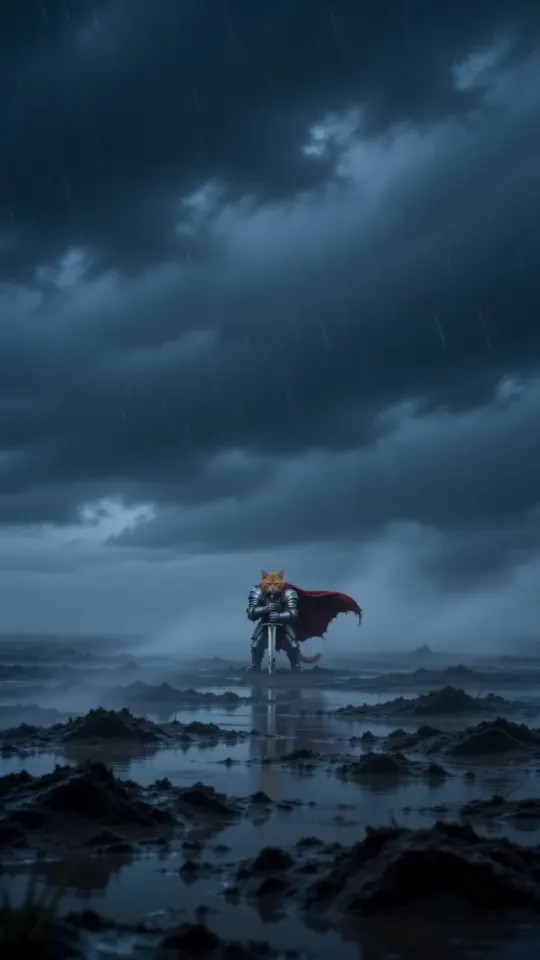
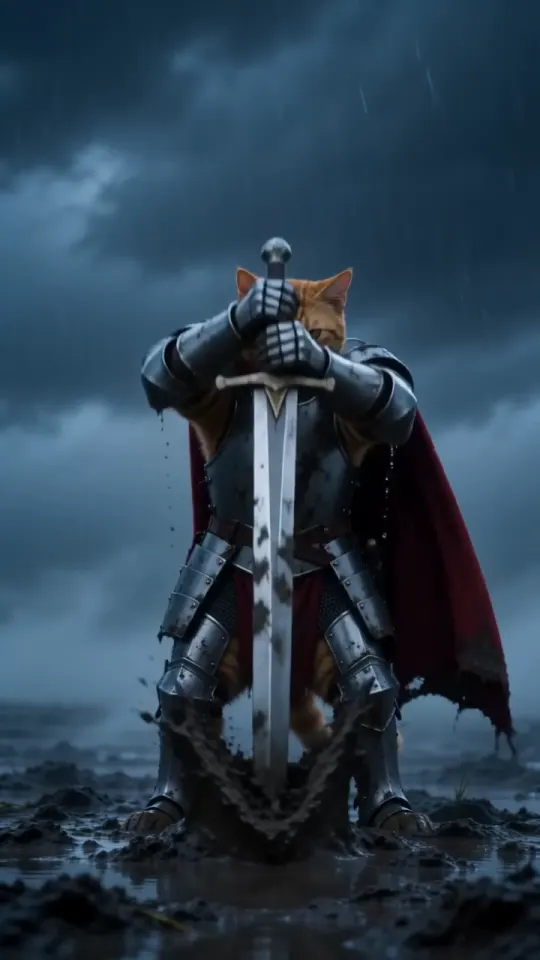
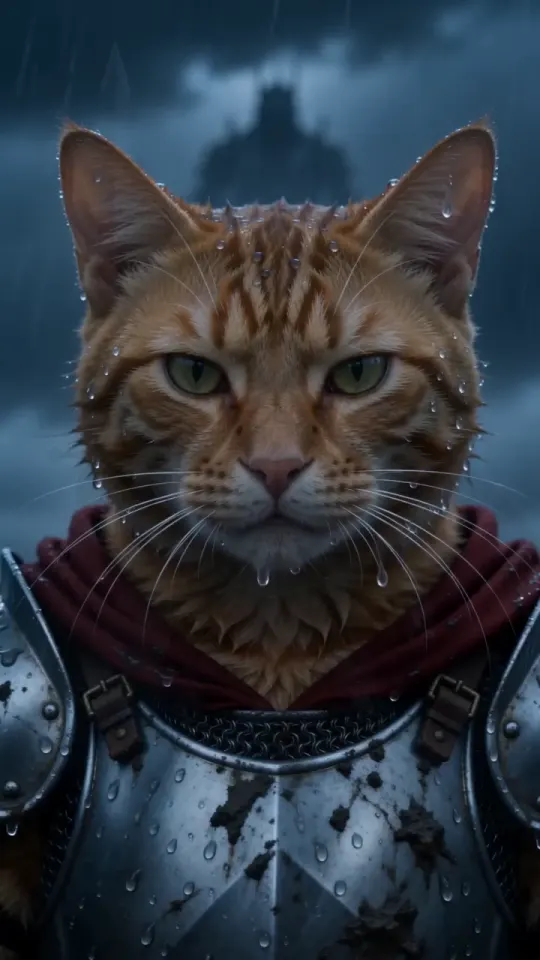
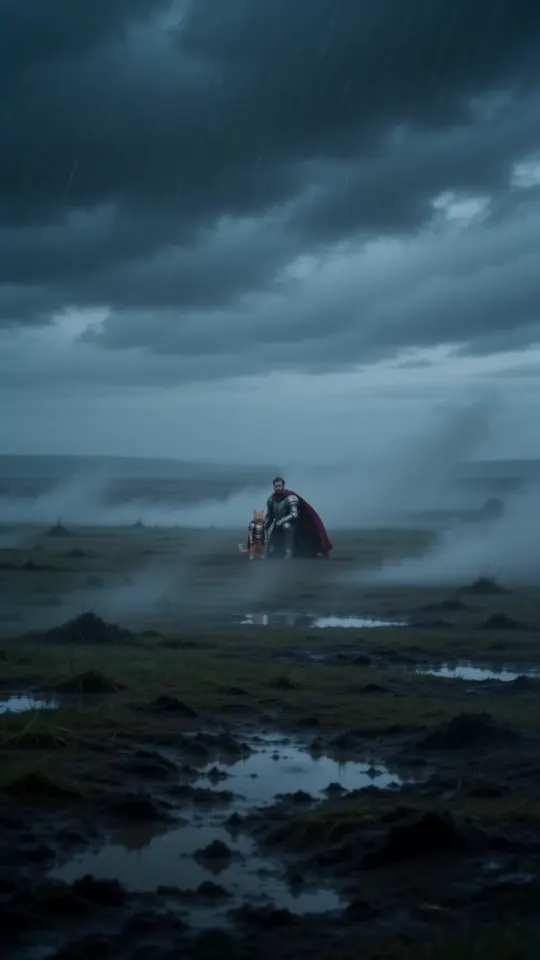
A vertical 9:16 cinematic fantasy clip, exactly 10 seconds, photoreal live action, epic film look: cold desaturated blue-grey grade, heavy fog, sideways rain, shallow depth of field, anamorphic lens. No text, no subtitles, no logos, no watermarks. THE KNIGHT is the pet from your pet photo: exactly its species, breed, size, face, eye colour, coat colour and markings, sharp and recognisable in every shot. It is a real, small animal standing upright on its hind legs like a tiny knight, wearing a fitted suit of polished, battle-scuffed silver plate armour sized for it (breastplate, pauldrons, gauntlets on the front paws), its own furry head bare, and a long crimson cape. Its ears, whiskers and fur stay its own. It is tiny next to the world around it. Setting: an empty, windswept moor at dusk, wet dark grass, mud and puddles, low storm clouds, fog rolling across the ground. A plain steel longsword, taller than the pet, is stuck point-down in the mud beside it. 0-3s: extreme wide shot, the camera pushes in slowly across the foggy moor toward the tiny armoured pet standing alone beside the sword, cape whipping sideways in the wind, rain slanting through the frame. 3-7s: medium shot at the pet's eye level, the pet grips the sword's hilt with both front paws and heaves it out of the mud in one strong pull, mud and rainwater spraying; it raises the sword high toward the sky for a moment, then lowers it to rest at its side, standing firm. 7-10s: low-angle close-up, the pet's face fills the frame, wet fur blowing in the wind, rain dripping from its whiskers, eyes narrowed and fearless, staring past the camera at something huge in the distance. Lightning flickers in the clouds behind it. Keep the same pet, same armour and same cape in every shot. Real animal anatomy, natural fur, steady face, no morphing. Avoid: cartoon, CGI look, a human, a person in an animal costume, a helmet covering the face, extra animals, extra limbs, distorted paws, flicker, text, captions, logos, watermarks. Sound: howling wind, heavy rain, distant thunder, the wet scrape and ring of the blade pulled from the mud, a low swelling cinematic drum hit at the end. No dialogue, no music with vocals.
Which tools take a pet photo, and what goes wrong in each, is in knight cat AI video with Kling, Veo, ChatGPT or Sora. You can still finish in CapCut: import the clip as a normal video to add text, a sound or a cut.
Is there a one-photo option without CapCut?
Yes: upload one photo at KnightCatAI (tryknightcatai.com) and you get the finished 10-second video, with sound and no watermark, in about three minutes. No account needed. One video is $5.99, and packs bring it down to $3.00 a video; see pricing.
- It writes and runs the full prompt for you, with your photo as the reference, so the knight keeps your pet’s face and markings.
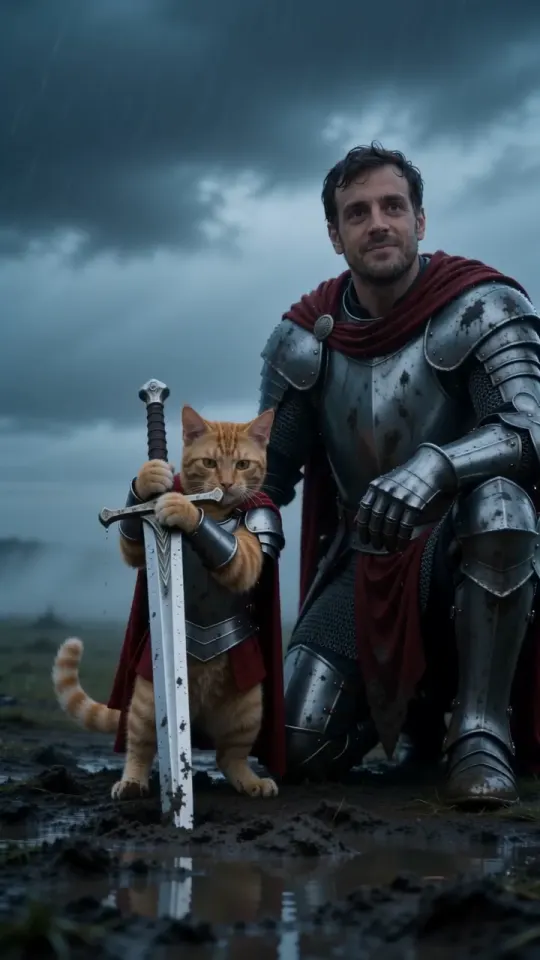
- Dogs work as well as cats, and You + your pet puts you in the scene, kneeling beside it.
- Vertical 9:16 for TikTok, Reels and Shorts, or wide 16:9.
- If a render fails, the video goes back into your pack automatically.
CapCut, prompt or one photo: which should you pick?
Pick CapCut for a quick free version, the prompt for your own pet in a tool you already use, and one photo here for the finished video today:
- CapCut template: free and fast. Fixed animation, the face may drift, and free exports often have a watermark.
- Our prompt in an image-to-video tool: free to copy. The face holds better; expect a few tries, and a watermark or a short clip on free tiers.
- One photo here: from $5.99, about three minutes, sound included, no watermark.
KnightCatAI (tryknightcatai.com) is an independent fan tool, not affiliated with CapCut or the original artist. CapCut’s templates and plans change often, so check in the app before you rely on one.
Questions
Is the CapCut knight cat template free?
Usually, to use it: free exports often carry a CapCut watermark or end card, and some AI templates ask for credits or CapCut Pro. It depends on the template and your region.
Why can’t I find the knight cat template in CapCut?
Templates are made by users, so they get removed, renamed or hidden by region. Search “Knight AI”, “Knight Cat” or “Kitten with sword”, update the app, or use our free prompt in an image-to-video tool instead.
Does the CapCut knight cat template work with dogs?
Sometimes. Many of these templates are built around a cat, so a dog can come out looking feline. A dog photo with our prompt in an image-to-video tool, or one photo here, keeps it a dog.
Can I edit a knight cat video from another tool in CapCut?
Yes. Import it as a normal video to add a caption, a sound or a cut. Videos made here are plain MP4 files with no watermark.