Post a knight cat video on TikTok, Reels and Shorts
How to post your 9:16 knight cat video on TikTok, Instagram Reels and YouTube Shorts: download, caption text, the storm sound, the cover frame and timing.
5 min read · Updated
Download the video
Your video is a 10-second vertical 9:16 MP4 with sound, the shape TikTok, Reels and Shorts expect, so there’s nothing to crop or convert. Tap Download video on the result page or in My videos, or use the link in your ready email.
- iPhone: Safari saves it to the Files app, in Downloads. Open it, tap Share, then Save Video to put it in Photos.
- Android: it lands in Downloads, and most gallery apps pick it up right away.
- Download within 3 days. After that the video and your photos are deleted for good.
If you picked wide 16:9, it plays small in a vertical feed: for these three apps, make it vertical. Download not working? See the troubleshooting guide.
Add the caption as on-screen text
The video comes out clean, with no text, so the joke goes on top in the app’s own editor. All three have a text tool.
- Keep it to one or two short lines. People decide in the first second.
- Place it in the upper third. The bottom and right edge are where the app puts its buttons, your username and the description.
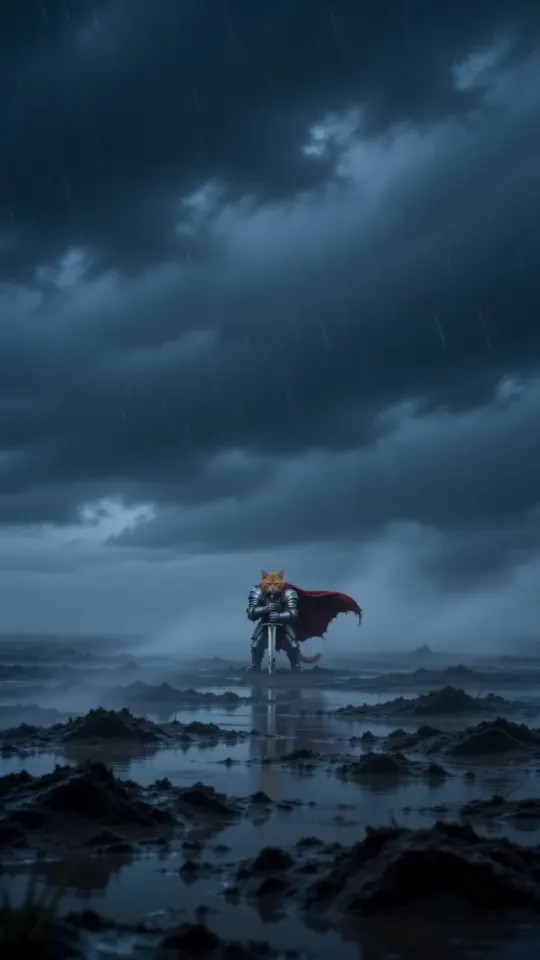
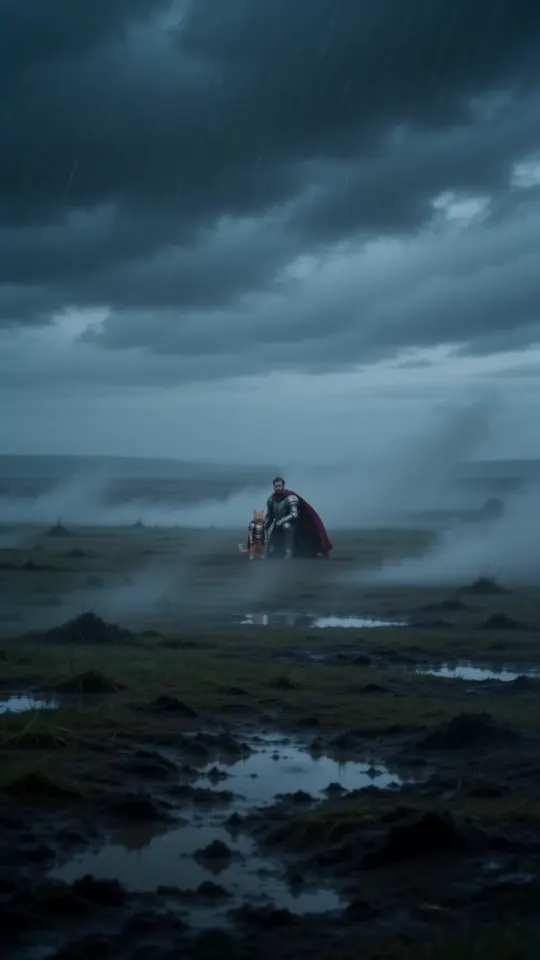
- Show it from the start. The first three seconds are a wide, foggy shot with room for text; the face fills the frame from about seven seconds.
- For a two-part joke, put the setup on the wide shot and the punchline on the close-up.
Need words? There are 20+ ready-made lines in knight cat captions and hashtags, from Monday to rent day.
Keep the storm, or swap it
The video already has its own sound: wind, rain, thunder, the scrape of the sword and a drum hit at the end. Posted as is, it works with the sound on.
- Keep it: post with the original audio. It’s the version that sounds like the trend.
- Swap it: add a trending sound in the app and turn the original audio down. Leave a little of the storm underneath so the thunder still lands.
- Time it: line a beat drop up with the close-up, about seven seconds in.
- Sound libraries differ by account type and country, so a sound you hear in someone else’s post may not be offered to you.
Pick a cover frame
The cover is what people see on your profile and in search. The first frame is mostly fog, so pick a better one when the app offers it:
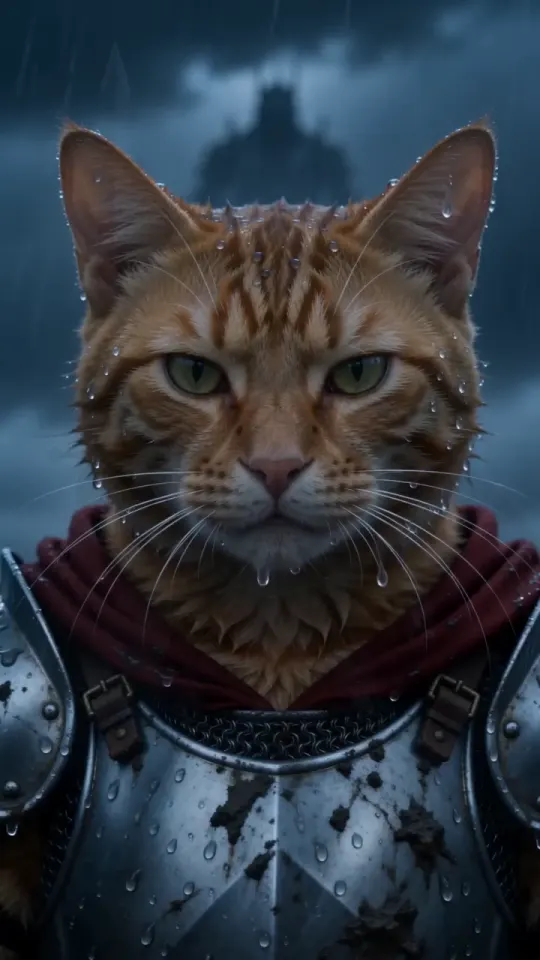
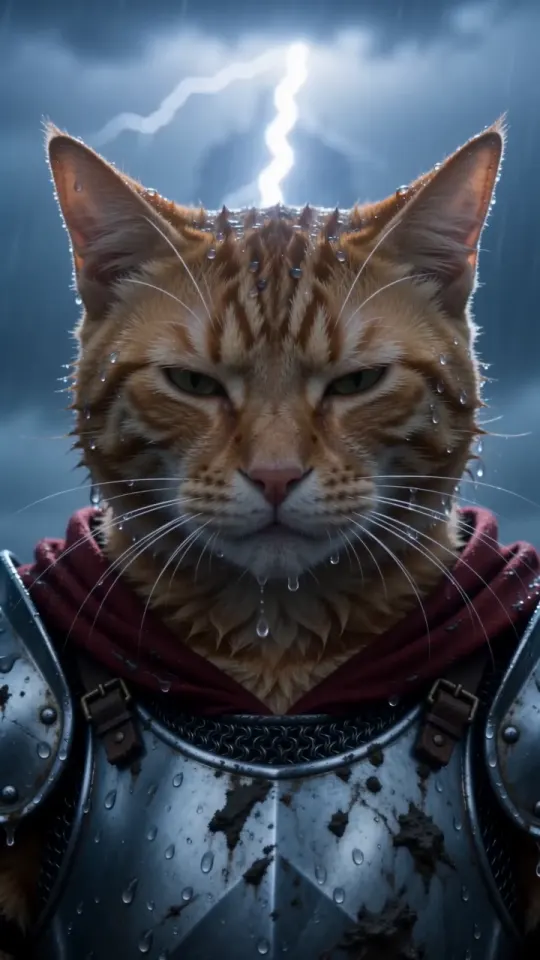
- The close-up in the rain, from about seven seconds in: the face people recognise.
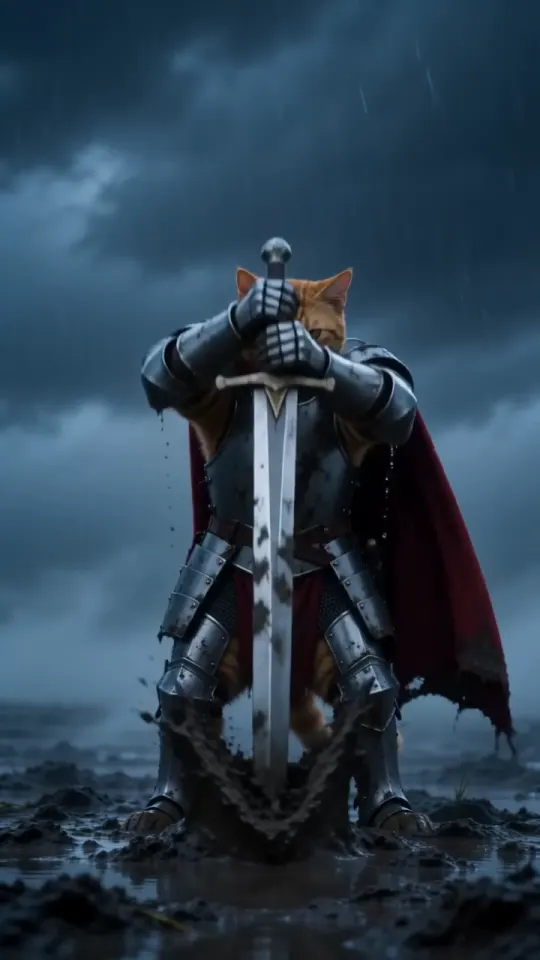
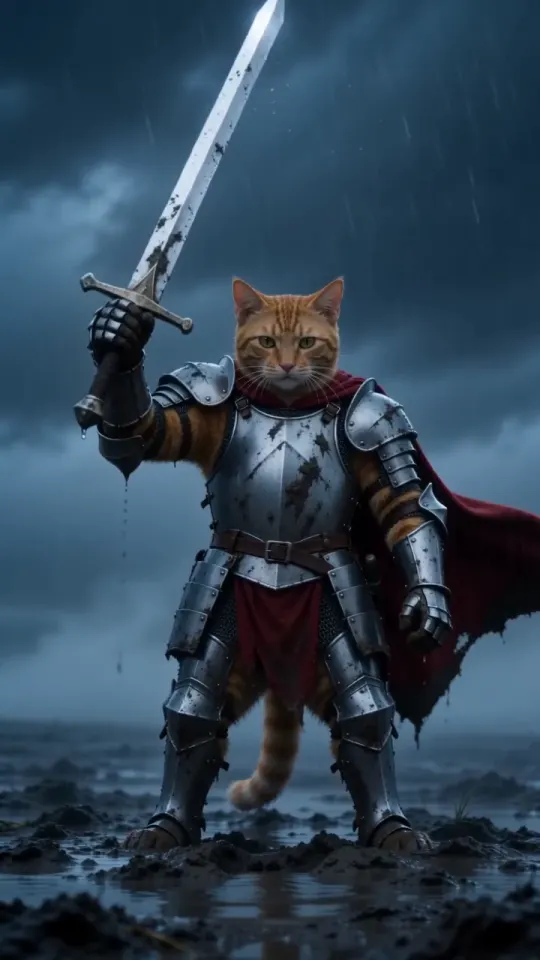
- The sword raised, a few seconds earlier, if you want the whole knight in frame.
If you put text on the cover, keep it near the centre: profile grids often crop the edges.
TikTok, Reels and Shorts
- TikTok: upload the video from your gallery, add text and a sound in the editor, then choose the cover before you post.
- Instagram Reels: start a new reel, pick the video from your gallery, add text and audio, and edit the cover before you share.
- YouTube Shorts: upload it from the YouTube app as a Short. Ten vertical seconds fits comfortably; add a title, and use the Shorts editor for text and sound.
Menus move between app updates. If a button isn’t where this says, look for it in the editor before you post. It’s one MP4, so you can post the same file to all three.
When to post
- Post reaction memes on the day they’re about: Monday on a Monday morning, exam captions in exam week, rent day on the first.
- Post when your followers are around. Most apps show when your audience is active in their insights or analytics.
- Ten seconds loops well. Ending on the close-up with lightning gets people to watch it twice.
- Trends move fast. Posting while the knight cat is everywhere matters more than a perfect edit.
No video yet? Upload one photo and it’s ready in about three minutes, from $5.99; see pricing. KnightCatAI is an independent fan tool, not affiliated with the original artist or with any of these apps.
Questions
What size is the knight cat video for TikTok?
Vertical 9:16, 10 seconds, as an MP4 with sound: the shape TikTok, Reels and Shorts use, so it uploads without cropping.
Can I add music to my knight cat video?
Yes. Add a sound in the app and turn the original audio down, or keep the storm sound that comes with the video.
Does the video have a watermark?
No. Videos made here have no watermark, text or logo, so you can add your own caption on top.
Can I post the same video on TikTok, Reels and Shorts?
Yes. It’s one MP4 file: upload it to each app and add the text and sound in each editor.