Knight cat AI video not working? 11 fixes
Knight cat AI video not right? Fixes for a face that doesn’t match, rejected, blurry or dark photos, a stuck render, a lost video and iPhone downloads.
6 min read · Updated
Photo problems
1. The photo is rejected
The maker takes JPG, PNG or WebP photos under 10 MB, at least 300 pixels and at most 6,000 pixels on each side. The message under the photo says which rule it broke. A screenshot or a thumbnail saved from a chat is usually too small, so use the original from your camera roll. If the file won’t open at all, save it again as a JPG and retry.
A photo can also be turned down by the video model after the render starts, for example a photo of a famous person or of anyone under 18. The video it used goes back into your pack, and you can try a different photo.
2. The photo is blurry
Blur is what makes whiskers and stripes drift. Use the original, sharp photo, not a zoomed-in crop or a picture of a screen. If every photo you have is soft, take a new one in daylight, phone held still at your pet’s eye level.
3. The photo is dark
Dark coats in dim rooms are the hardest case. Move near a window or outside into shade, and skip the flash: it turns eyes green or white. If we can’t see your pet’s face, the render stops with “We couldn’t see your pet clearly in the photo”, and the video goes back into your pack.
4. My pet is cropped in the photo
A face-only photo still works: the body is filled in under the armour. A photo that cuts through the head or ears leaves the model guessing, though. Pick one with the whole head in frame, and the whole body if you have it.
5. There are two pets in the photo
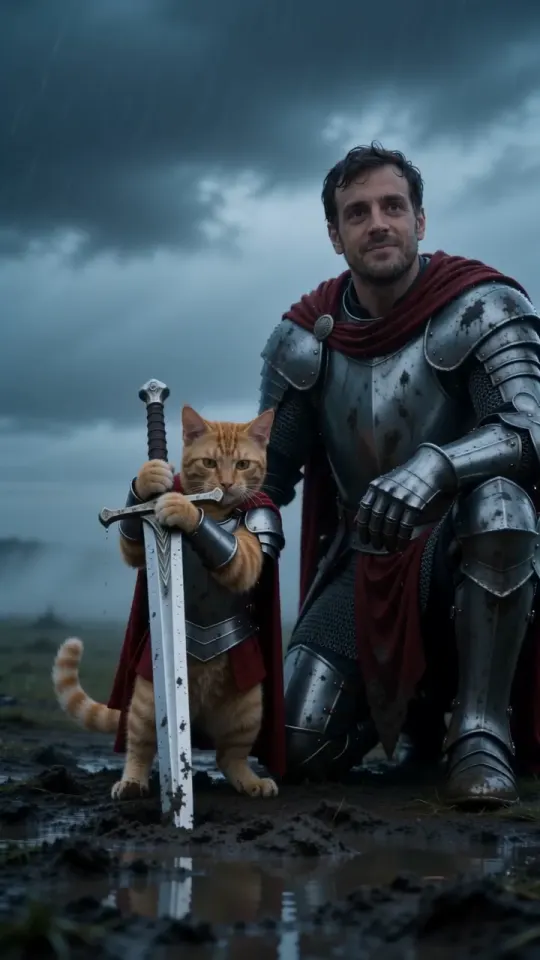
Pet knight makes one pet at a time. With two animals in the frame the model may mix their markings or pick the wrong one, so crop down to one pet before you upload, and make one video for each. You + your pet is for you and one pet, not two pets.
The video doesn’t look right
6. The face doesn’t look like my pet
Nearly always, it’s the photo. The model rebuilds your pet from that one photo in every shot, so a side-on, blurry or flash-lit photo gives it less to keep. Make it again with a sharp daylight photo, face to the camera, markings in view. A new video uses one from your pack; the photo guide shows what works.
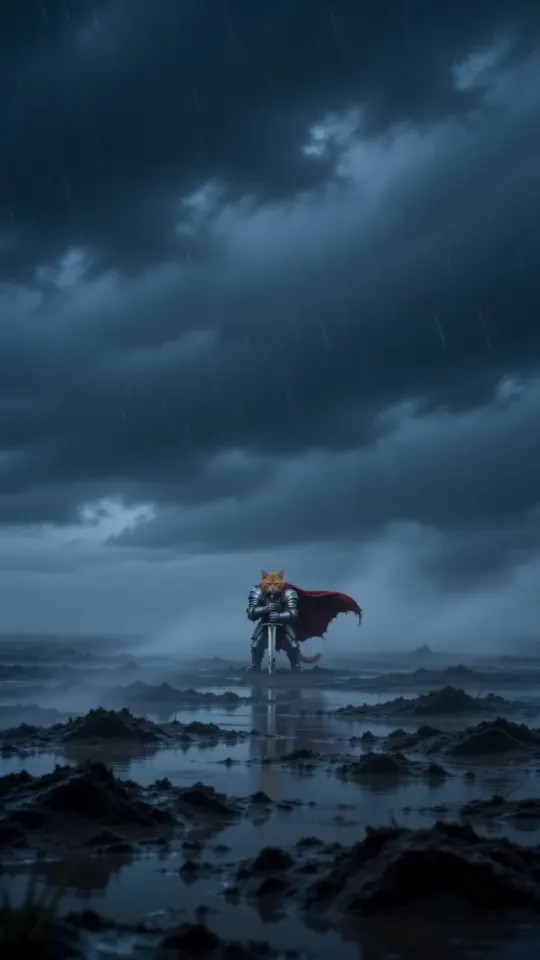
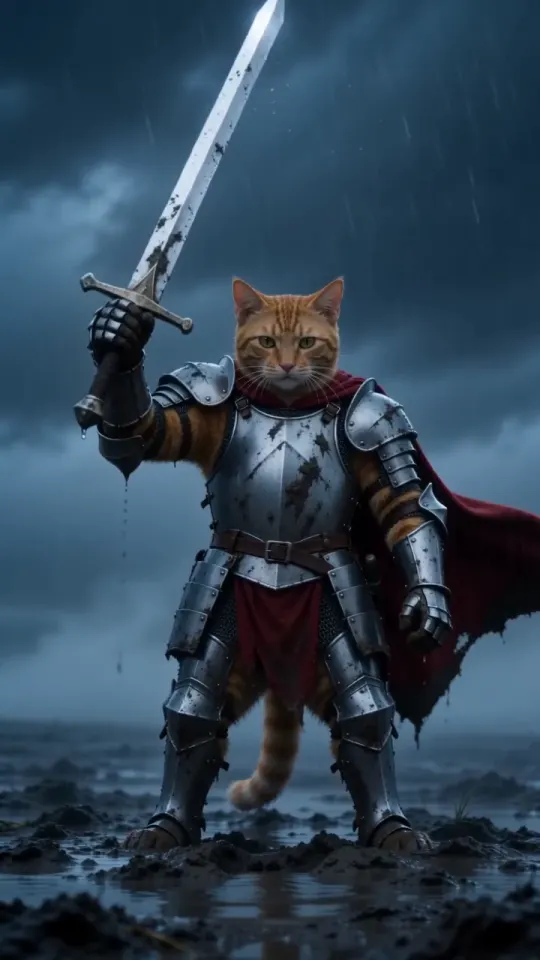
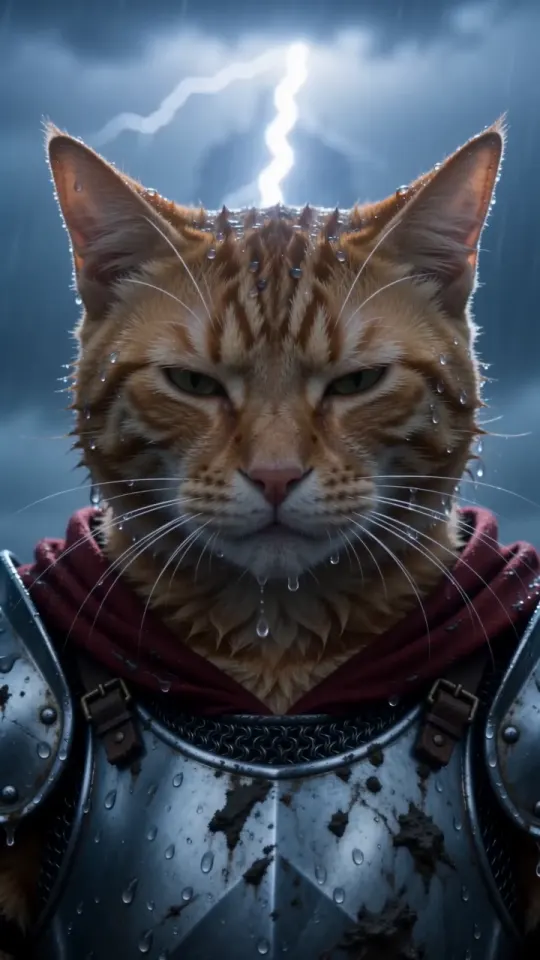
Some changes are part of the look: the cold storm light mutes the coat a little and the rain flattens the fur. What one photo keeps explains what to expect. If something is clearly broken, use “Something wrong with this video? Tell us” under the video, or contact us.
7. My knight holds a banner, not a sword
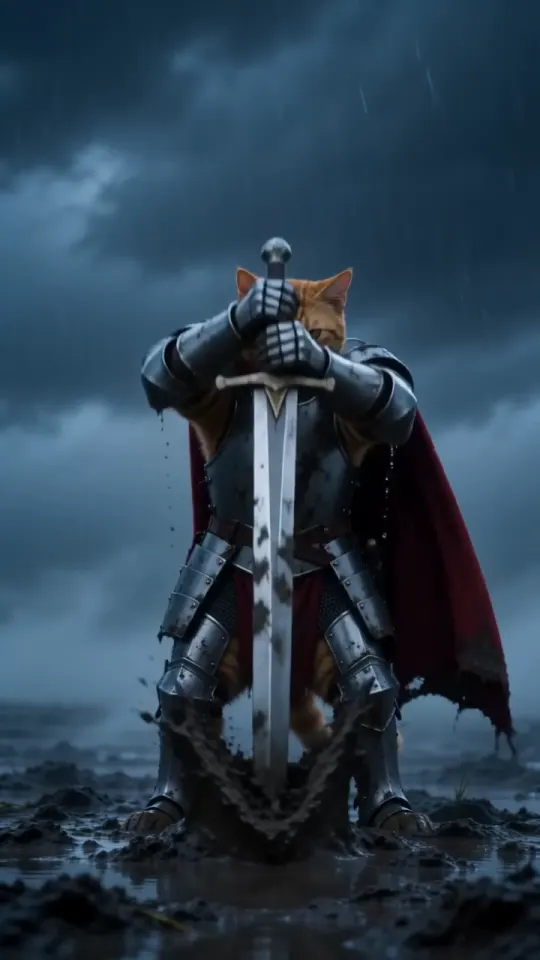
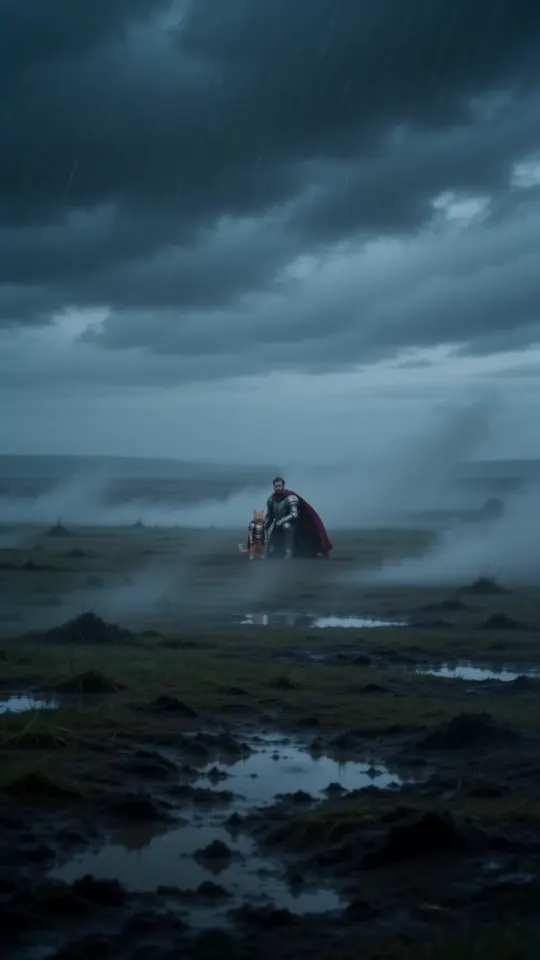
If the video model turns down the first attempt, we retry once automatically with a tall crimson banner in place of the sword. It’s the same moor, the same storm and the same three shots, and the retry doesn’t use another video from your pack.
While it renders
8. The video seems stuck
A video takes about three minutes, longer when it says it’s in line or waiting for a free camera: busy times add a queue. The steps run Checking your photo, Forging the armour, Filming on the moor, Final cut. It’s safe to close the tab. The render keeps going, and the finished video shows up in My videos on the same phone and in your email.
If a render takes too long, it’s stopped and the video goes back into your pack automatically. Try again. If it happens twice, email support@tryknightcatai.com.
After it’s ready
9. I paid on another phone
With no account, your pack and videos live on the phone you paid on. To open them somewhere else, go to My videos, tap “Paid on another phone? Send link” and enter the email you paid with. The link we send opens your pack and videos there. The link in your ready email works on any device too.
10. I can’t download on my iPhone
Tap Download video on the result page or in My videos and confirm the download. Safari saves it to the Files app, in Downloads. To move it into Photos, open it there, tap Share, then Save Video.
If nothing happens, you probably opened the link inside another app’s built-in browser, such as a mail or social app. Open the link in Safari and try again.
11. My video expired after 3 days
Videos and photos are deleted 3 days after the video is ready, and once they’re gone they can’t be recovered: the page says “This video was deleted after 3 days”. If you hadn’t downloaded it, we email a reminder about a day before. To get the clip again, make a new one from the same photo; it uses one video from your pack, and unused videos in your pack never expire. See pricing.
Still stuck?
Email support@tryknightcatai.com from the address you paid with, or use the contact page. If you bought a pack in the last 14 days and haven’t used any videos from it, you can ask for a refund. More answers are in the FAQ.
Questions
Why doesn’t my knight cat look like my cat?
Usually because of the photo. Use a sharp daylight photo with the face toward the camera and its markings in view, then make it again.
Do I get my video back if it fails?
Yes. A failed render goes back into your pack automatically, with nothing to claim and no one to email.
Can I recover a knight cat video after 3 days?
No. Videos and photos are deleted for good 3 days after the video is ready, so download it before then.
How long should a knight cat video take?
About three minutes, longer if it’s waiting in line. You can close the tab: it keeps going and lands in My videos.