Knight cat AI video from one photo: what it keeps
Why one photo of your pet is enough for a knight cat AI video, what the model keeps (fur pattern, eye colour, markings) and what the armour and storm change.
4 min read · Updated
Why one photo is enough
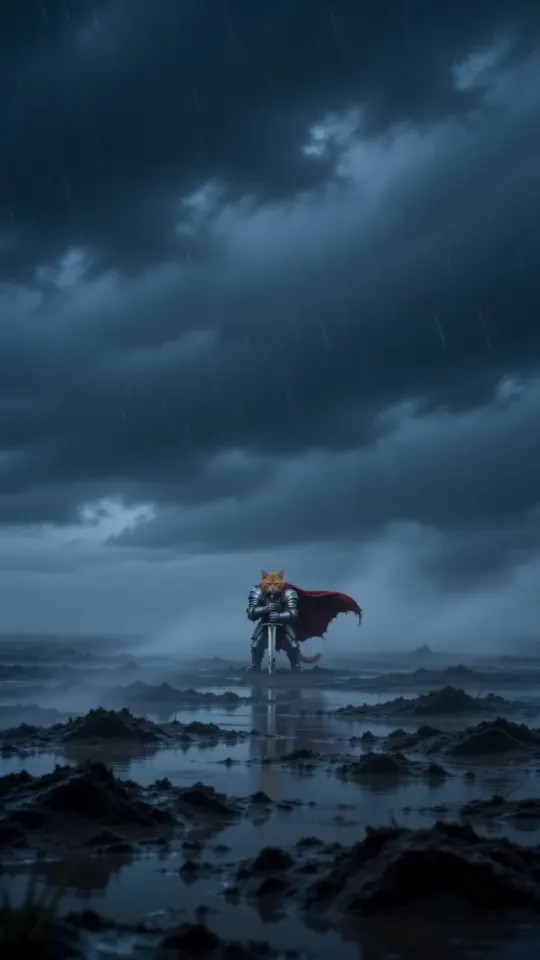
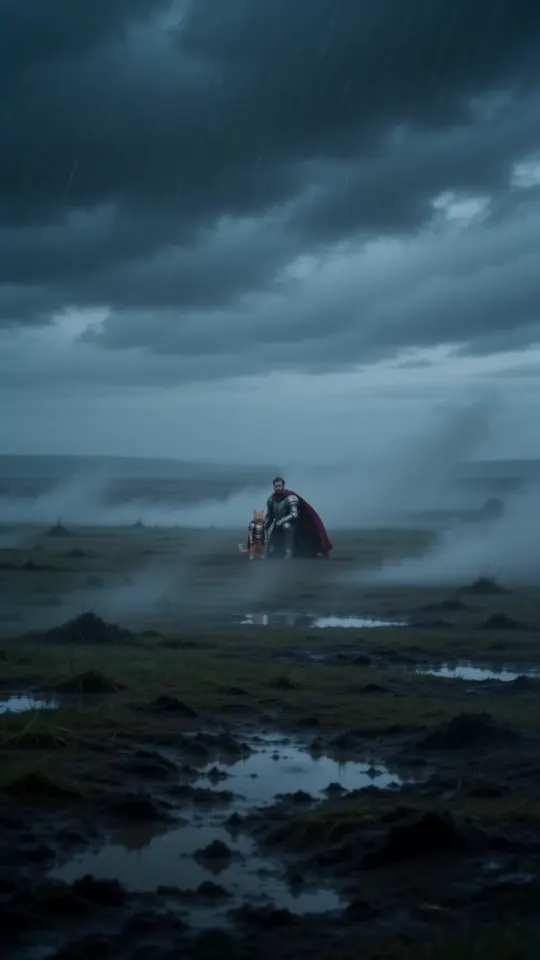
Most of the video never changes. The moor, the fog, the armour, the cape, the three shots and the storm on the soundtrack are written into the prompt and are the same for everyone. The only thing the model has to learn from you is who the knight is, and one clear photo shows that: the face, the coat, the eyes.
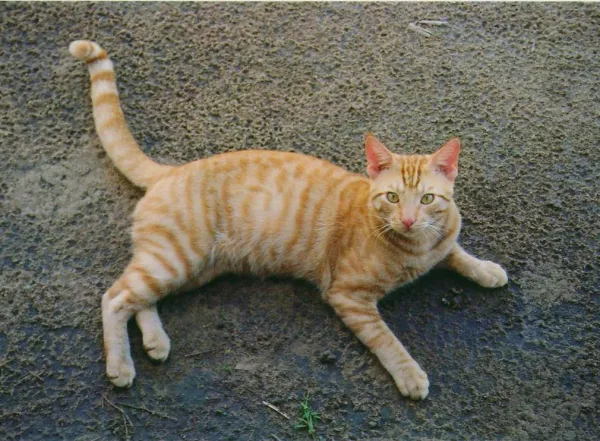
Your photo goes to the video model as a reference, not as a frame to animate. The model rebuilds your pet in each shot, upright and in armour, so it doesn’t need your pet in that pose or that light. That’s why there’s no filming and no second angle to upload.
What the model keeps
The prompt asks for your pet’s exact species, breed, size, face, eye colour, coat colour and markings, sharp and recognisable in every shot. In practice that means:
- Fur pattern: stripes, spots, patches, a tuxedo bib, colour points.
- Eye colour, odd eyes included.
- The markings people spot first: a white blaze, a nose spot, a notched or folded ear.
- The shape of the face and head, the ears and the whiskers.
- Species and breed, so a dog stays a dog and a long-haired cat stays long-haired.
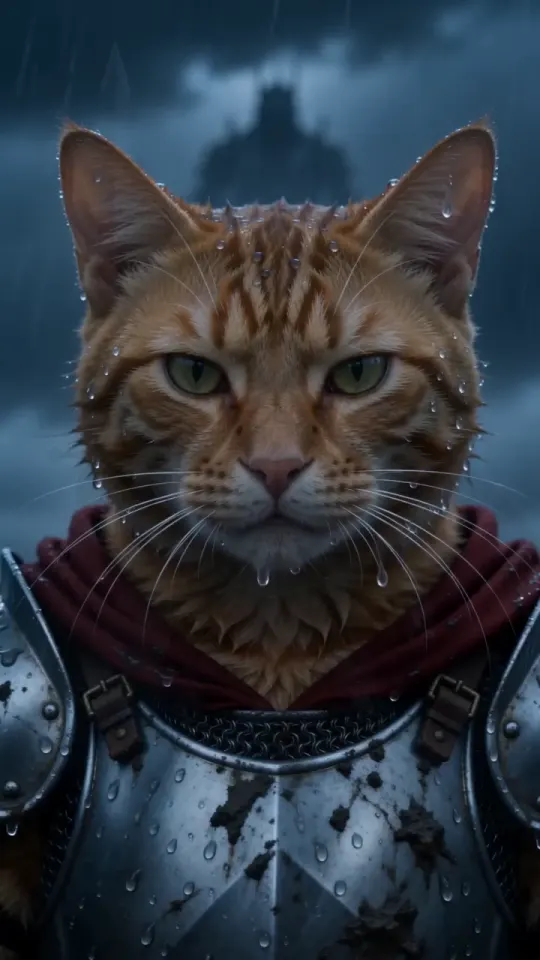
The head stays bare, with no helmet, so your pet’s face is visible in every shot.
What changes
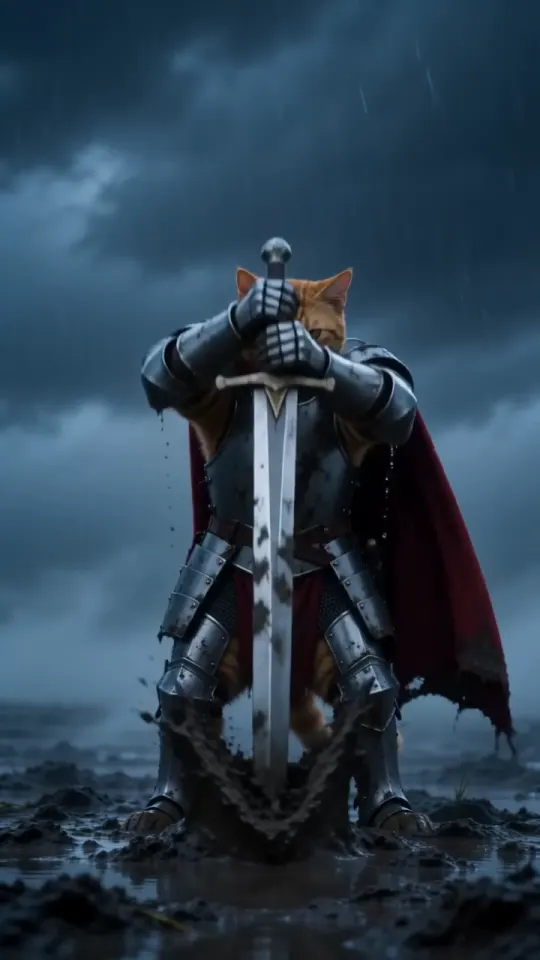
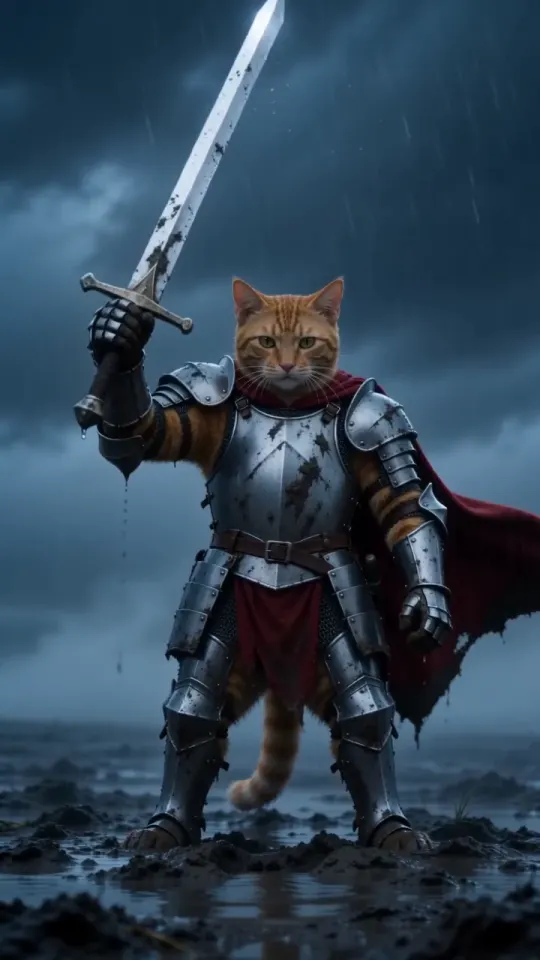
- The pose. Your pet stands upright on its hind legs like a tiny knight and grips the sword with its front paws.
- The body. Silver plate armour and a crimson cape cover the chest, shoulders and front legs, so markings there are mostly hidden.
- The light. The video has a cold, blue-grey storm grade, so bright coats look a little more muted than in your photo.
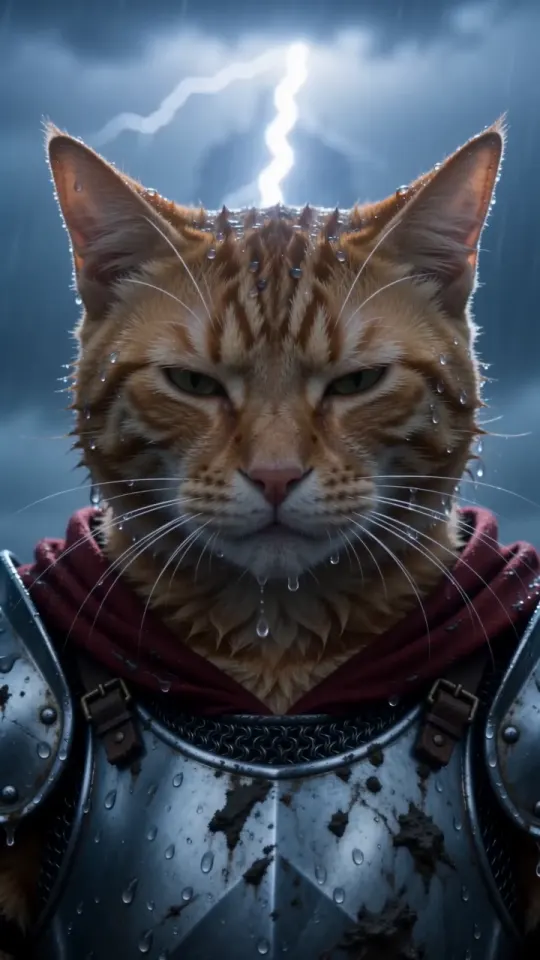
- The fur. Rain and wind flatten and part it, and the whiskers drip.
- The expression. In the close-up the eyes narrow into a stare past the camera.
Collars, bandanas and sweaters aren’t part of the costume. Leave them out of the photo if you can: anything already on your pet fights with the armour.
What it has to guess
One photo shows one side of your pet. Whatever isn’t in it, the model fills in: the far side of the coat, the tail, the back legs, the size of the paws. A whole-body photo with the distinctive side toward the camera leaves the least to guess.
Two pets in one photo is the opposite problem: too much to choose from. Crop down to one.
Getting the most from one photo
- Face toward the camera, both eyes visible.
- Daylight, no flash, no filter.
- One pet, whole body if you have it, markings in view.
- The original photo, not a screenshot.
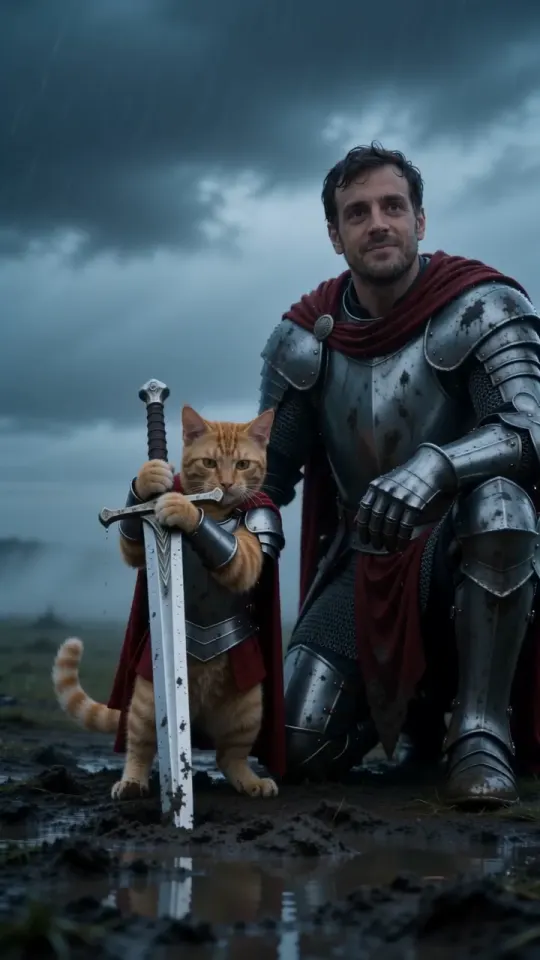
More detail in the photo guide. For the version with you in it, add one photo of yourself: still one photo each. Upload yours and the video is ready in about three minutes. If it doesn’t come out right, see the troubleshooting guide.
Questions
Can I upload more than one photo of my pet?
No. Each video takes one pet photo, plus one of you for You + your pet. Pick the clearest one you have.
Will the knight look exactly like my pet?
Very close, when the photo is clear: the fur pattern, eye colour and markings carry over. The pose, the armour and the storm light are what change.
Why does my pet’s coat look darker in the video?
Because of the storm light. The whole video has a cold blue-grey grade, which mutes bright coats a little.
Does a face-only photo work?
Yes. The body is filled in under the armour, but a whole-body photo gives the model your pet’s size, legs and tail.