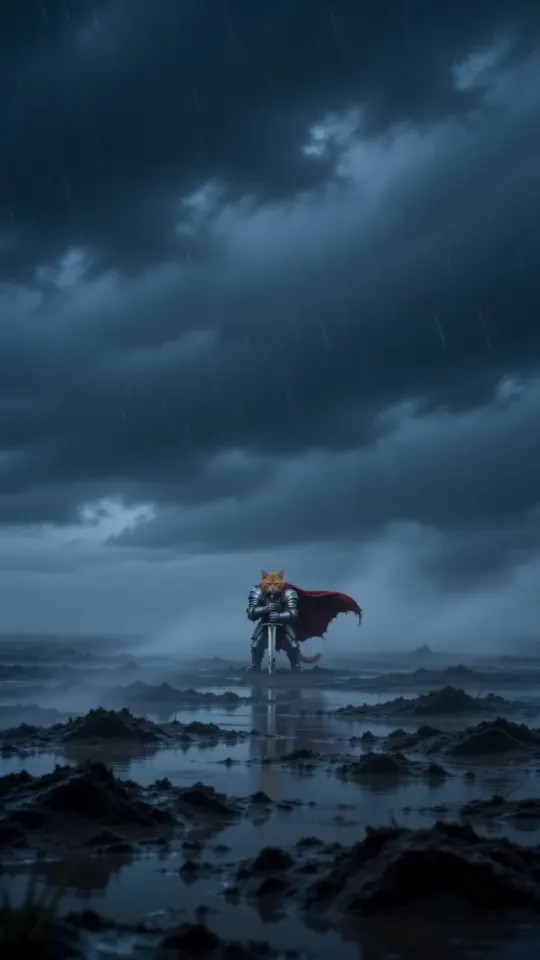
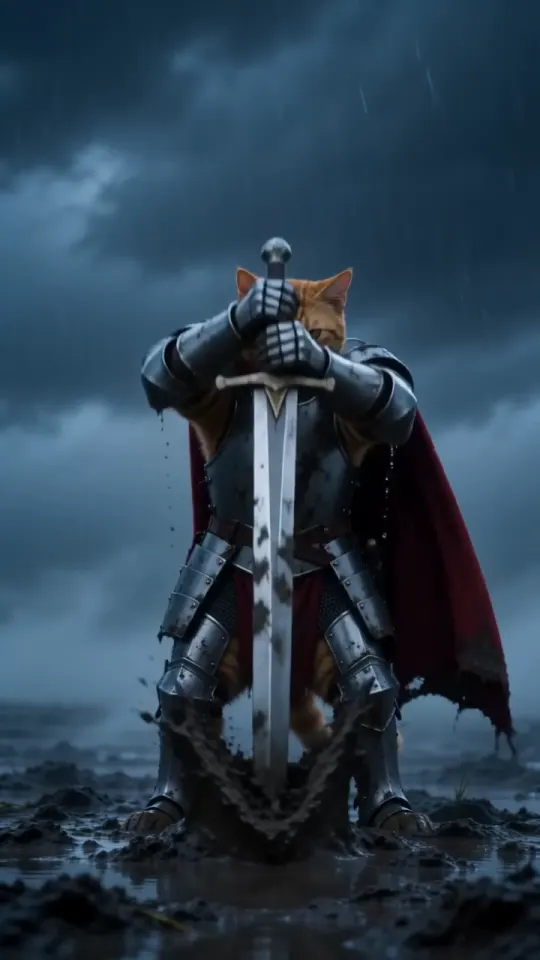
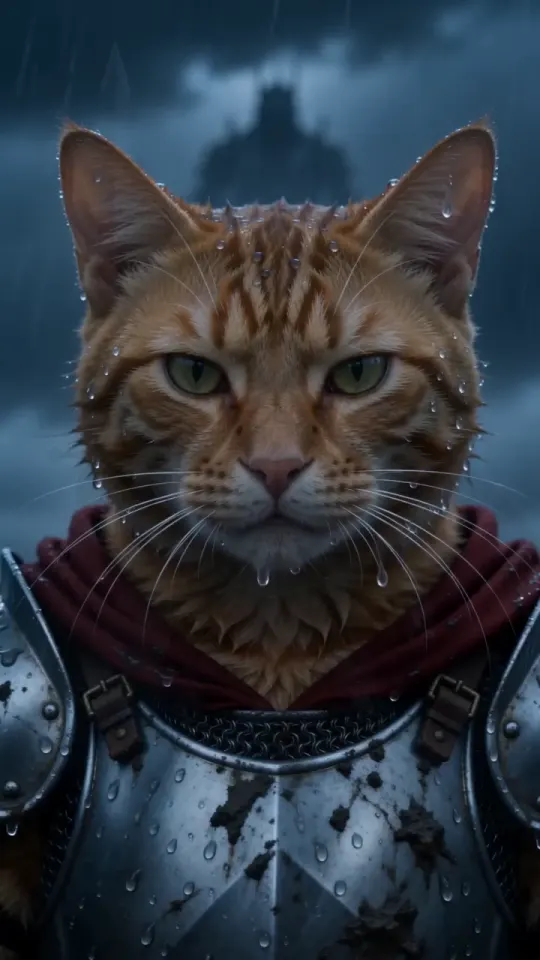
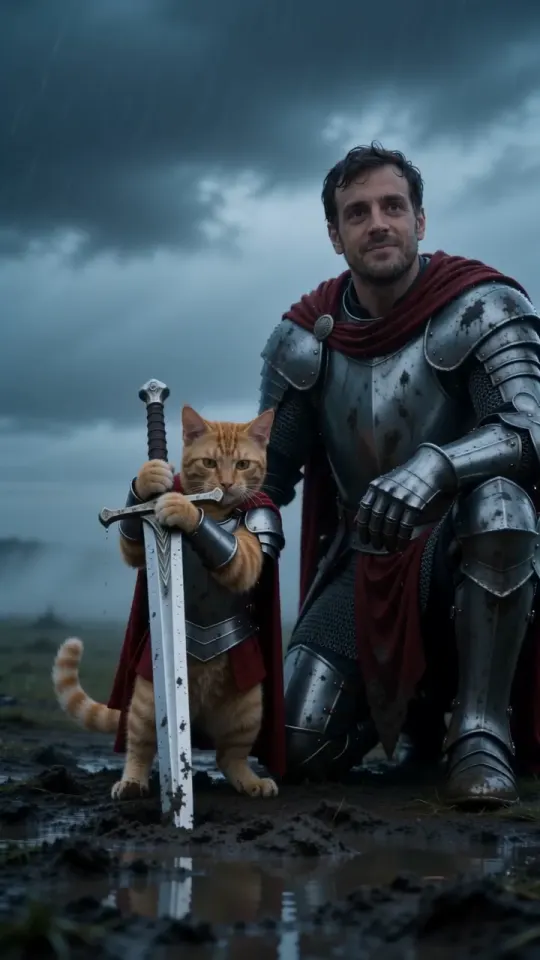
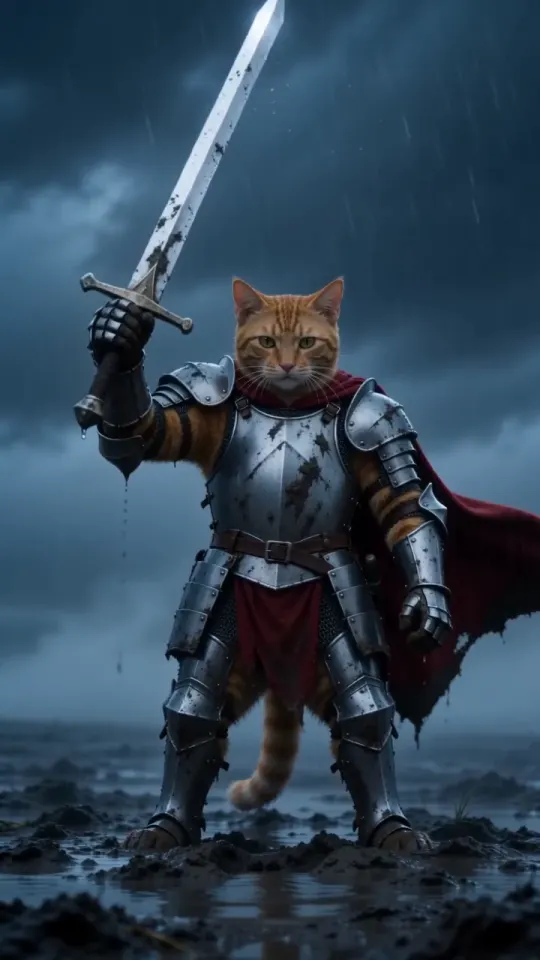
Knight cat AI video with Kling, Veo (Gemini), ChatGPT or Sora
Kling and Veo in Gemini can make the knight cat AI video from your pet’s photo, Sora can where it’s available, and ChatGPT makes the still. How to use our prompt in each.
7 min read · Updated
Which AI tools can make the knight cat video from a pet photo?
Kling and Veo (in Gemini) can make the knight cat video straight from your pet’s photo plus a text prompt, and Sora can too where its app is available; ChatGPT makes the still image of your pet in armour, which you then animate in a video tool. In all four, the result depends on the same two things: your photo attached as the reference, and a prompt that spells out the scene shot by shot.
- Kling: photo to video, yes. Clips up to 10 seconds, vertical included. Free credits come with a watermark and a queue.
- Veo in Gemini: photo to video, yes, with sound. Clips are about 8 seconds, and regular use usually needs a paid Google AI plan.
- ChatGPT: the still, yes; the video, not in the chat itself. Make the armoured portrait there, then animate it elsewhere.
- Sora: photo to video, yes, with sound, in the countries where the Sora app is open. Downloads carry a Sora watermark.
Plans, clip lengths and limits change often in all four, so check each tool’s current settings before you spend credits.
How do you use our knight cat prompt in these tools?
Attach your pet’s photo as the reference image, paste our free prompt, set 10 seconds and vertical 9:16 where the tool allows, and generate. The prompt is written as timed shots, which video models follow far better than a loose description:
Pet knight prompt
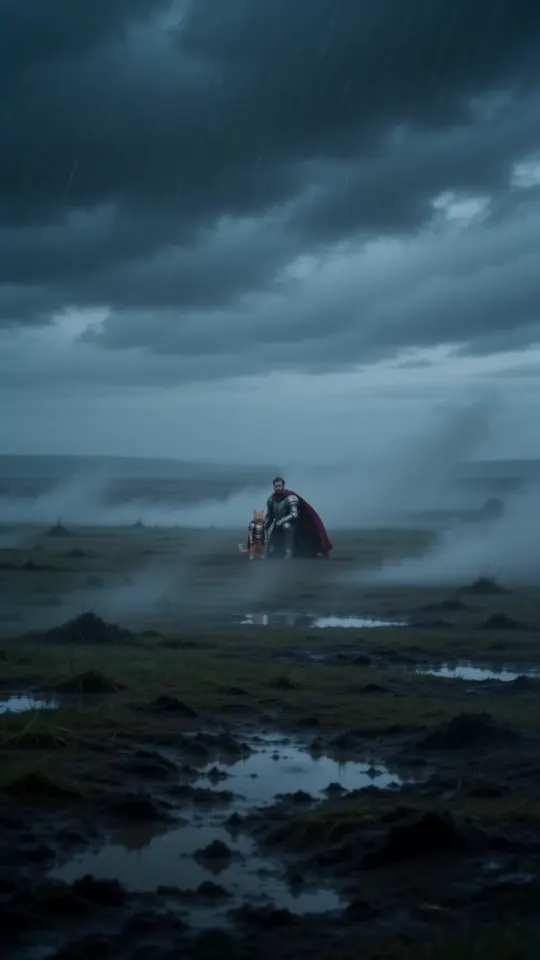
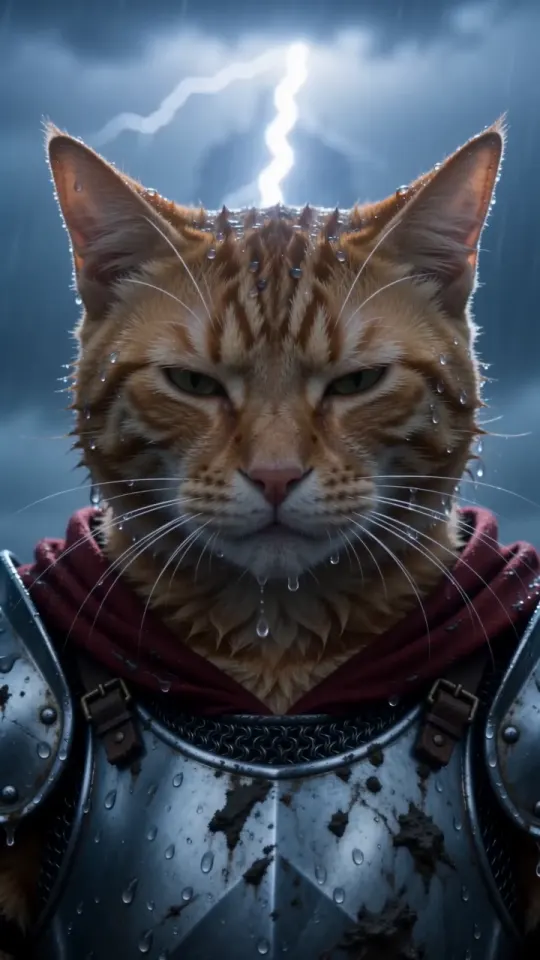
A vertical 9:16 cinematic fantasy clip, exactly 10 seconds, photoreal live action, epic film look: cold desaturated blue-grey grade, heavy fog, sideways rain, shallow depth of field, anamorphic lens. No text, no subtitles, no logos, no watermarks. THE KNIGHT is the pet from your pet photo: exactly its species, breed, size, face, eye colour, coat colour and markings, sharp and recognisable in every shot. It is a real, small animal standing upright on its hind legs like a tiny knight, wearing a fitted suit of polished, battle-scuffed silver plate armour sized for it (breastplate, pauldrons, gauntlets on the front paws), its own furry head bare, and a long crimson cape. Its ears, whiskers and fur stay its own. It is tiny next to the world around it. Setting: an empty, windswept moor at dusk, wet dark grass, mud and puddles, low storm clouds, fog rolling across the ground. A plain steel longsword, taller than the pet, is stuck point-down in the mud beside it. 0-3s: extreme wide shot, the camera pushes in slowly across the foggy moor toward the tiny armoured pet standing alone beside the sword, cape whipping sideways in the wind, rain slanting through the frame. 3-7s: medium shot at the pet's eye level, the pet grips the sword's hilt with both front paws and heaves it out of the mud in one strong pull, mud and rainwater spraying; it raises the sword high toward the sky for a moment, then lowers it to rest at its side, standing firm. 7-10s: low-angle close-up, the pet's face fills the frame, wet fur blowing in the wind, rain dripping from its whiskers, eyes narrowed and fearless, staring past the camera at something huge in the distance. Lightning flickers in the clouds behind it. Keep the same pet, same armour and same cape in every shot. Real animal anatomy, natural fur, steady face, no morphing. Avoid: cartoon, CGI look, a human, a person in an animal costume, a helmet covering the face, extra animals, extra limbs, distorted paws, flicker, text, captions, logos, watermarks. Sound: howling wind, heavy rain, distant thunder, the wet scrape and ring of the blade pulled from the mud, a low swelling cinematic drum hit at the end. No dialogue, no music with vocals.
- For you and your pet together, copy the You + your pet prompt from the prompt page and attach two photos, yours first.
- For a tool with 8-second clips, change “exactly 10 seconds” to 8 and the shot times to 0-2s, 2-5s and 5-8s, so the close-up isn’t cut off.
- If the tool can’t make sound, it ignores the Sound line; add a storm effect when you edit or post.
Can Kling make the knight cat video from a pet photo?
Yes: Kling’s image-to-video mode animates your pet’s photo from a text prompt, and it’s one of the tools most knight cat videos are made with.
- Open Kling on the web or in the app and choose image to video.
- Upload your pet’s photo, paste the prompt, and pick 10 seconds and 9:16 if your plan offers them.
- Generate, then check the face and the sword pull before you download.
Typical problems in Kling
- The clip starts on your photo. Image to video usually uses the photo as the first frame, so a sofa background takes a moment to turn into a moor. A photo with a plain background helps; if your version has a reference or elements mode, it keeps the face without starting on the sofa.
- Free credits go fast. A 10-second clip costs more than a 5-second one, and free jobs can wait a long time in the queue.
- A watermark on free plans, removed on paid ones.
- Sound depends on the model version. If the clip is silent, add the storm when you edit.
Can Veo in Gemini make the knight cat video?
Yes: in the Gemini app you can attach a photo of your pet, choose the video tool and paste the prompt, and Veo makes a short clip with sound from it.
- Open Gemini and pick the video tool (Veo) from the tools menu.
- Attach your pet’s photo, paste the prompt with the 8-second timings above, and send.
- Download the clip. If it comes back wide, crop it to 9:16 when you edit, keeping the sword in frame.
Typical problems in Veo and Gemini
- Clips are about 8 seconds, so a 10-second shot list gets squeezed. Use the 8-second timings.
- Video usually needs a paid Google AI plan, with a daily limit on how many you can make.
- A visible watermark on the clip, plus Google’s invisible SynthID mark.
- Some photos are refused under Google’s safety rules, more often ones with people in them, which can block the You + your pet version.
Can ChatGPT make the knight cat video?
Not in the chat itself: ChatGPT makes images, so use it for the still of your pet in armour, then animate that still in a video tool such as Kling, Veo or Sora.
- Attach your pet’s photo in ChatGPT and ask for a vertical 9:16 image of the same pet as a tiny knight. The knight description and the first two shots of our prompt work as the image prompt.
- Compare the face, fur and markings with your photo, and ask for changes until it looks like your pet.
- Take the still to an image-to-video tool, attach it as the reference, paste the full prompt and generate.
Typical problems with the ChatGPT route
- Two tools, two rounds of retries, and often two paid plans.
- The face can drift twice: once in the still, again in the animation.
- Square images crop badly. Ask for 9:16 from the start, or the sword gets cut off.
The upside is control: you approve the costume before any video is made, and the video starts in the right scene instead of on your sofa. ChatGPT is also handy for tweaking our prompt, say a different cape colour, before you paste it elsewhere.
Can Sora make the knight cat video from a pet photo?
Yes, where Sora is available: you can start a Sora video from an uploaded photo of your pet plus a prompt, and it makes sound with the clip.
- Open the Sora app or website and start a new video from an image.
- Upload your pet’s photo, paste the prompt, and choose portrait and 10 seconds if they’re offered.
- Generate, check the face, then download.
Typical problems in Sora
- Availability. The Sora app is open only in some countries, and what you get can depend on your plan.
- A moving Sora watermark on downloaded videos.
- Photo rules. Uploads showing real people are restricted, which affects the You + your pet version far more than a pet on its own.
- Daily limits on how many videos you can make, and long waits at busy times.
Why does my pet look different in the video?
Usually because of the photo or a missing reference: a blurry, dark or side-on shot leaves the model guessing, and a prompt alone can’t know what your pet looks like.
- Use a sharp daylight photo, face toward the camera, one animal in the frame. The photo guide has seven quick checks.
- Keep the line about “species, breed, size, face, eye colour, coat colour and markings” in the prompt. It’s what tells the model to copy your pet rather than invent one.
- Generate two or three times and keep the best one: every tool drifts sometimes.
Doing it inside CapCut instead? See the knight cat trend in CapCut. On a budget? The free guide covers what free tiers usually come with.
Is there a way to skip the tools and the prompt?
Yes: upload one photo at KnightCatAI (tryknightcatai.com) and it writes and runs the prompt for you, with your photo as the reference. You get a 10-second video with sound and no watermark in about three minutes, vertical 9:16 or wide 16:9, with no account. One video is $5.99, and packs bring it down to $3.00 a video; see pricing.
KnightCatAI (tryknightcatai.com) is an independent fan tool, not affiliated with Kling, Google, OpenAI or the original artist. These tools’ plans, lengths and rules change often; check each one’s current terms before you pay.
Questions
Which AI tool is best for the knight cat video?
Any image-to-video tool that takes your pet’s photo as a reference; Kling and Veo in Gemini are the usual picks. The photo and a timed-shot prompt matter more than the tool.
Can I make the knight cat video in Gemini for free?
Rarely for long: video in Gemini is mostly part of paid Google AI plans, with a daily limit and a watermark. Check what your account offers today.
Can ChatGPT animate a photo of my cat?
Not in the chat itself: ChatGPT makes images, and OpenAI’s video model is in the separate Sora app. Use ChatGPT for the still of your cat in armour, then animate it in Kling, Veo or Sora with our prompt.
Do I need a prompt for Kling or Veo?
Yes. Without one, the tool just animates your photo where it is. Copy our free knight cat prompt from the prompt page and paste it with your pet’s photo attached.