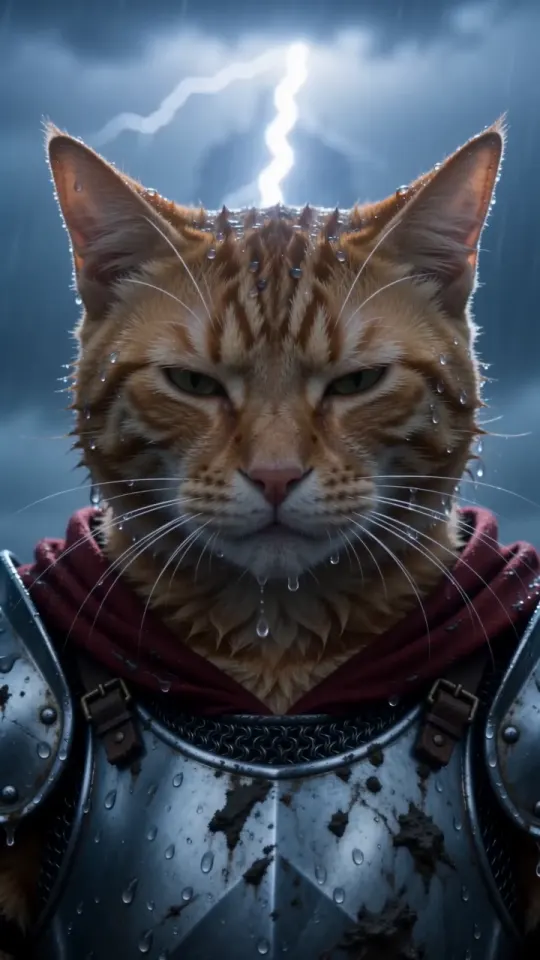
Comment créer une vidéo Knight Cat AI (3 méthodes + prompt gratuit)
Trois façons de créer une vidéo Knight Cat AI de votre animal : une photo ici, notre prompt gratuit dans un autre outil de vidéo par IA, ou une image fixe à animer. Retrouvez les étapes et les prompts.
6 min de lecture · Mis à jour le
Ce qu’il vous faut
Une photo nette de votre chat ou de votre chien, avec le visage visible. Pour la version où vous êtes agenouillé à ses côtés, une photo de vous également. C’est tout : ni tournage, ni costume, ni application de montage. Si vous hésitez sur la qualité de votre photo, le guide photo propose sept vérifications rapides.
Méthode 1 : une photo ici (environ 3 minutes)
- Ouvrez le générateur et importez la photo de votre animal. Pour Vous + votre animal, changez de mode et ajoutez votre photo d’abord, puis celle de votre compagnon.
- Choisissez le format vertical 9:16 pour TikTok, Reels et Shorts, ou le format horizontal 16:9. Sélectionnez Standard 480p ou HD 720p.
- Appuyez sur Créer ma vidéo et choisissez un pack. Payez avec Apple Pay, Google Pay ou une carte. Aucun compte nécessaire.
- Patientez environ trois minutes. Vous pouvez fermer l’onglet : nous vous envoyons un lien par e-mail dès que la vidéo est prête.
- Téléchargez-la et publiez. Nous supprimons la vidéo et vos photos 3 jours après sa création : enregistrez-la avant.
Standard et HD coûtent la même chose : une vidéo de votre pack. Si une génération échoue, la vidéo est automatiquement recréditée dans votre pack. Une vidéo coûte $5.99, et les packs font descendre le prix jusqu’à $3.00 par vidéo ; consultez les tarifs.
Méthode 2 : notre prompt gratuit dans un autre outil de vidéo par IA
Tout outil de génération d’image vers vidéo qui accepte une photo de référence et un prompt peut tenter de créer la scène. Joignez la photo de votre animal comme référence, collez le prompt ci-dessous, puis réglez la durée sur 10 secondes et le format sur 9:16 si l’outil le permet. Les outils qui n’acceptent que du texte ne peuvent pas préserver le visage de votre animal.
Prompt Animal chevalier
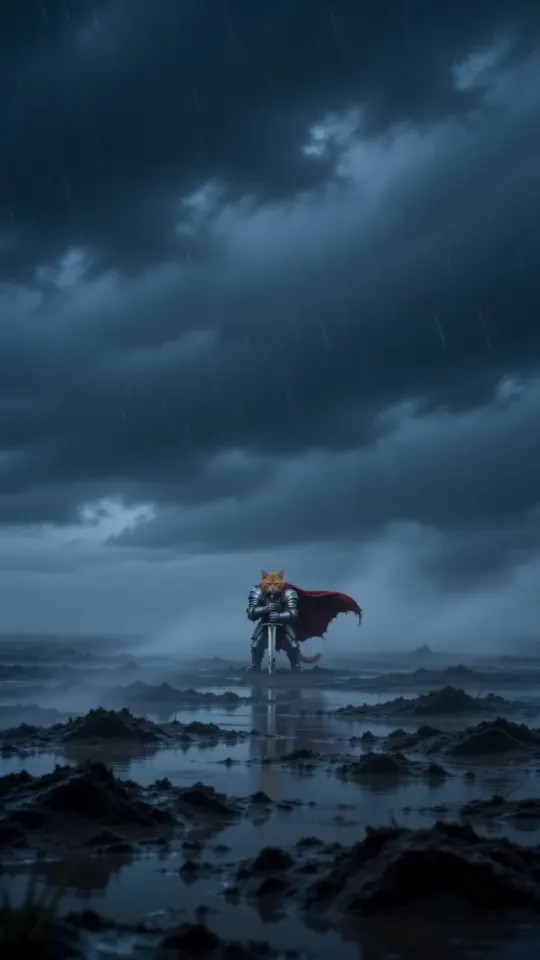
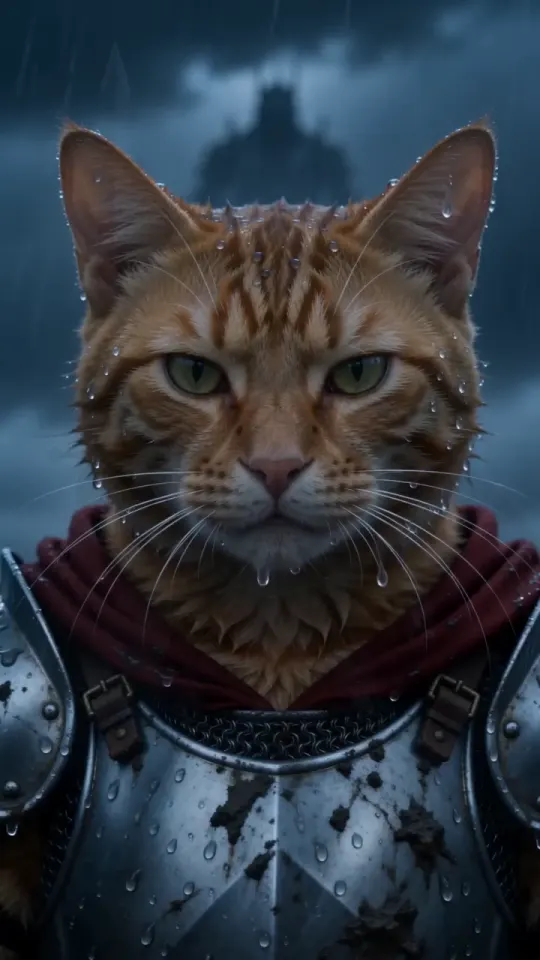
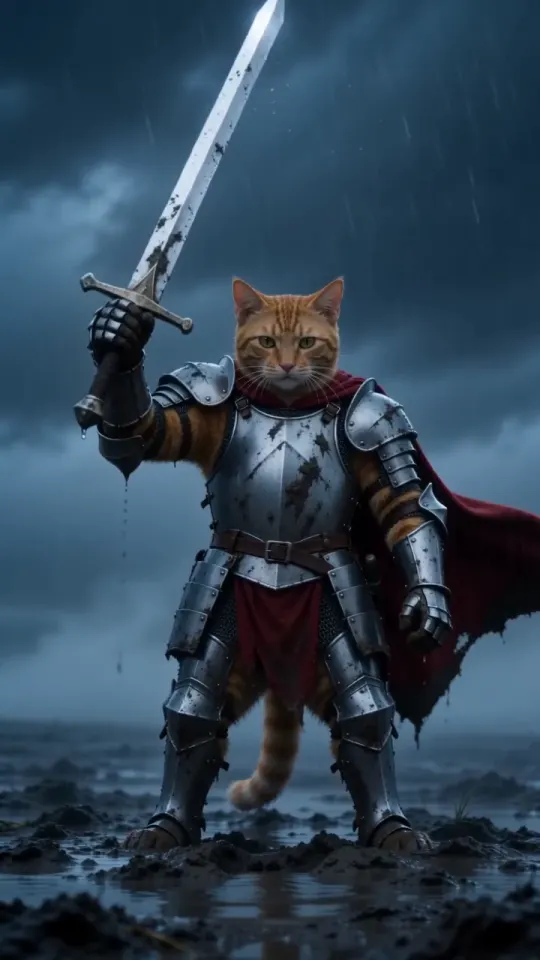
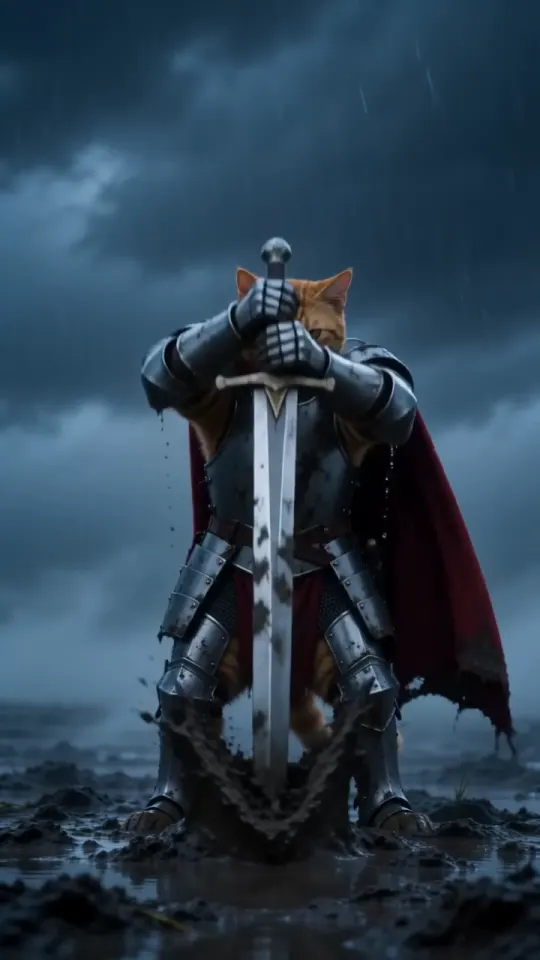
A vertical 9:16 cinematic fantasy clip, exactly 10 seconds, photoreal live action, epic film look: cold desaturated blue-grey grade, heavy fog, sideways rain, shallow depth of field, anamorphic lens. No text, no subtitles, no logos, no watermarks. THE KNIGHT is the pet from your pet photo: exactly its species, breed, size, face, eye colour, coat colour and markings, sharp and recognisable in every shot. It is a real, small animal standing upright on its hind legs like a tiny knight, wearing a fitted suit of polished, battle-scuffed silver plate armour sized for it (breastplate, pauldrons, gauntlets on the front paws), its own furry head bare, and a long crimson cape. Its ears, whiskers and fur stay its own. It is tiny next to the world around it. Setting: an empty, windswept moor at dusk, wet dark grass, mud and puddles, low storm clouds, fog rolling across the ground. A plain steel longsword, taller than the pet, is stuck point-down in the mud beside it. 0-3s: extreme wide shot, the camera pushes in slowly across the foggy moor toward the tiny armoured pet standing alone beside the sword, cape whipping sideways in the wind, rain slanting through the frame. 3-7s: medium shot at the pet's eye level, the pet grips the sword's hilt with both front paws and heaves it out of the mud in one strong pull, mud and rainwater spraying; it raises the sword high toward the sky for a moment, then lowers it to rest at its side, standing firm. 7-10s: low-angle close-up, the pet's face fills the frame, wet fur blowing in the wind, rain dripping from its whiskers, eyes narrowed and fearless, staring past the camera at something huge in the distance. Lightning flickers in the clouds behind it. Keep the same pet, same armour and same cape in every shot. Real animal anatomy, natural fur, steady face, no morphing. Avoid: cartoon, CGI look, a human, a person in an animal costume, a helmet covering the face, extra animals, extra limbs, distorted paws, flicker, text, captions, logos, watermarks. Sound: howling wind, heavy rain, distant thunder, the wet scrape and ring of the blade pulled from the mud, a low swelling cinematic drum hit at the end. No dialogue, no music with vocals.
Pour la version avec vous, joignez deux références, votre photo d’abord et celle de votre animal ensuite, puis utilisez plutôt ce prompt :
Prompt Vous + votre animal
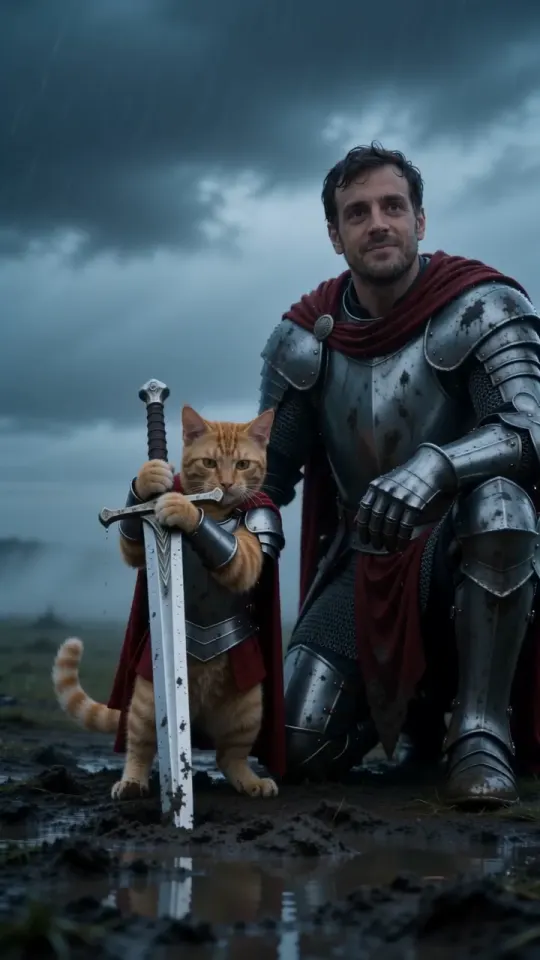
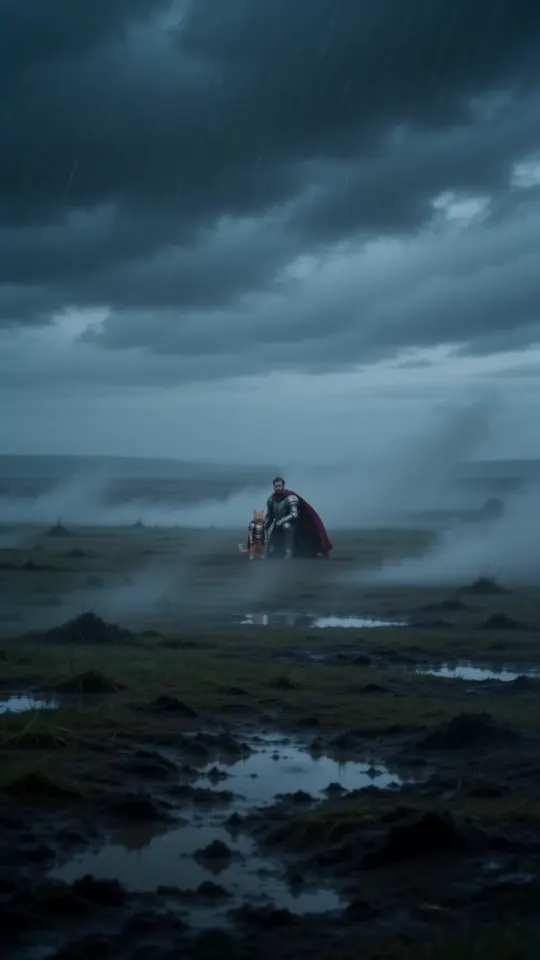
A vertical 9:16 cinematic fantasy clip, exactly 10 seconds, photoreal live action, epic film look: cold desaturated blue-grey grade, heavy fog, sideways rain, shallow depth of field, anamorphic lens. No text, no subtitles, no logos, no watermarks. TWO CHARACTERS, each from its own photo. Never swap them, never merge them, never add anyone else. THE BIG KNIGHT is the person from your photo: exactly their face, age, skin tone, hair, beard and eyes, sharp and recognisable in every shot. They wear full battle-scuffed silver plate armour with a long crimson cape, head bare so the face is always visible. Their own clothes from the photo never appear. THE TINY KNIGHT is the pet from your pet photo: exactly its species, breed, face, eye colour, coat colour and markings. It is a real, small animal standing upright on its hind legs, wearing a fitted suit of silver plate armour sized for it and a short crimson cape, its own furry head bare. It is tiny next to the person, its head about at the kneeling person's chest. Setting: an empty, windswept moor at dusk, wet dark grass, mud and puddles, low storm clouds, fog rolling across the ground. A plain steel longsword, taller than the pet, is stuck point-down in the mud beside it. 0-3s: extreme wide shot, the camera pushes in slowly across the foggy moor toward the two knights side by side, the big knight kneeling on one knee beside the tiny knight, both capes whipping sideways in the wind, rain slanting through the frame. 3-7s: medium two-shot at the pet's eye level, the tiny knight grips the sword's hilt with both front paws and heaves it out of the mud, mud and rainwater spraying, and raises it toward the storm; the kneeling big knight rests one armoured hand gently on the pet's back and looks down at it, proud. 7-10s: low-angle close two-shot, both faces in the rain, the person's face and the pet's face side by side, wet hair and wet fur, both staring past the camera at something huge in the distance, calm and fearless. Lightning flickers in the clouds behind them. Keep the same two characters, same armour and same capes in every shot. Real anatomy, natural fur, steady faces, no morphing. Avoid: cartoon, CGI look, swapping the person and the pet, a second person, extra animals, the person's everyday clothes, a helmet covering either face, a person in an animal costume, extra limbs, distorted paws or hands, flicker, text, captions, logos, watermarks. Sound: howling wind, heavy rain, distant thunder, the wet scrape and ring of the blade pulled from the mud, a low swelling cinematic drum hit at the end. No dialogue, no music with vocals.
- Prévoyez quelques essais. Les outils généralistes peuvent modifier l’ordre des plans, l’armure ou les marques du pelage de votre animal.
- Les offres gratuites ajoutent généralement un filigrane ou raccourcissent le clip.
- Si l’outil ne génère pas de son, ajoutez un effet d’orage au montage ou au moment de publier.
La page des prompts rassemble les deux prompts avec un bouton de copie et explique leur construction.
Méthode 3 : créer une image fixe, puis l’animer
Certaines personnes génèrent d’abord une image de leur animal en armure avec un outil d’image par IA, puis la donnent à un outil vidéo pour l’animer. Cela permet de mieux contrôler le costume, mais implique deux outils, deux séries d’essais et souvent deux paiements. Le visage peut changer à chaque étape, et l’image doit être verticale dès le départ, sinon le recadrage coupera l’épée.
Si vous choisissez cette méthode, utilisez les deux premiers plans du prompt ci-dessus pour créer l’image, puis le prompt complet avec votre image jointe pour la vidéo.
Quelle méthode choisir ?
- Vous voulez publier aujourd’hui : méthode 1. Une photo, une vidéo, le son inclus.
- Vous payez déjà un outil vidéo : méthode 2, avec notre prompt.
- Vous voulez un costume ou un décor personnalisé : méthode 3, avec une bonne dose de patience.
Questions
Faut-il un compte pour créer une vidéo Knight Cat AI ici ?
Non. Vous importez une photo, payez avec Apple Pay, Google Pay ou une carte, et le lien vers votre vidéo arrive par e-mail.
Combien de temps dure la vidéo ?
10 secondes, au format vertical 9:16 par défaut ou horizontal 16:9, avec l’orage en bande-son.
Puis-je utiliser le prompt gratuitement ?
Oui. Copiez-le depuis ce guide ou la page des prompts et utilisez-le dans l’outil de votre choix. Seules les vidéos créées ici sont payantes.