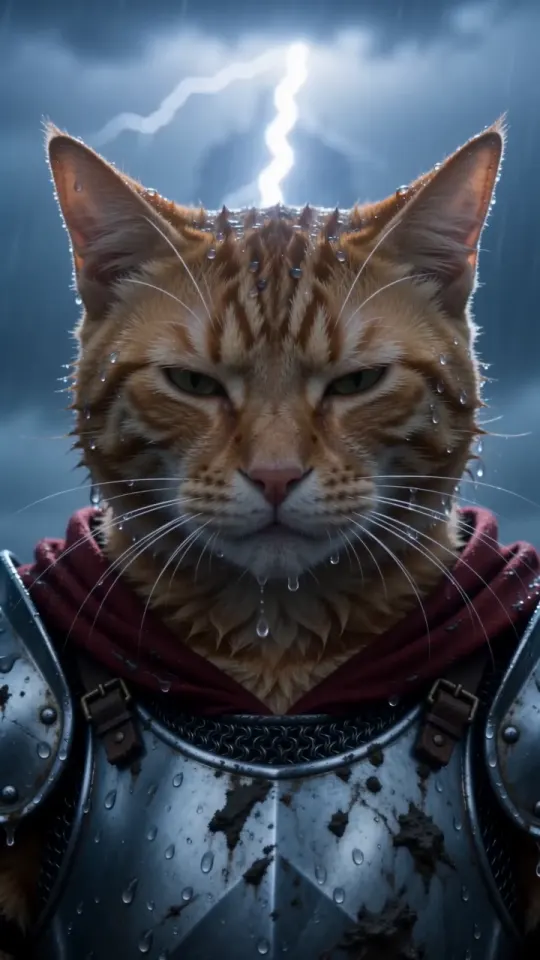
Knight Cat AI動画の作り方:3つの方法と無料プロンプト
自分のペットでKnight Cat AI動画を作る3つの方法。ここで写真1枚から作る、無料プロンプトを別のAI動画ツールで使う、静止画を動かす。それぞれの手順とプロンプトを紹介します。
読了時間6分 · 更新日
用意するもの
Knight Cat AI動画に必要なのは、顔がはっきり写った猫か犬の写真1枚。隣にひざまずくバージョンなら、自分の写真も用意します。それだけです。撮影機材も衣装も編集アプリもいりません。写真選びに迷ったら、写真ガイドの7つのポイントを確認してみてください。
方法1:ここで写真1枚から作る(約3分)
- 動画メーカーを開き、ペットの写真をアップロードします。「あなた+ペット」ならモードを切り替え、先に自分、次にペットの写真を追加します。
- TikTok、Reels、Shorts向けなら縦長の9:16、横長なら16:9を選びます。画質は標準480pかHD 720pから選べます。
- 「自分の動画を作る」を押してパックを選びます。Apple Pay、Google Pay、カードでお支払いできます。アカウントは不要です。
- 約3分待ちます。タブを閉じても大丈夫。動画が完成したら、リンクをメールでお送りします。
- ダウンロードして投稿しましょう。完成から3日後に動画と写真が削除されるので、その前に保存してください。
標準もHDも料金は同じで、パックの動画1本分を使います。生成に失敗すると、動画1本分が自動でパックに戻ります。1本は$5.99、パックなら1本あたり$3.00まで下がります。料金をご確認ください。
方法2:無料プロンプトを別のAI動画ツールで使う
参照写真とテキストのプロンプトを受け付ける画像から動画を作るツールなら、試せます。ペットの写真を参照画像として添付し、下のプロンプトを貼り付けます。設定できる場合は長さを10秒、縦横比を9:16にしてください。テキストしか受け付けないツールでは、ペットの顔を保てません。
ペットの騎士用プロンプト
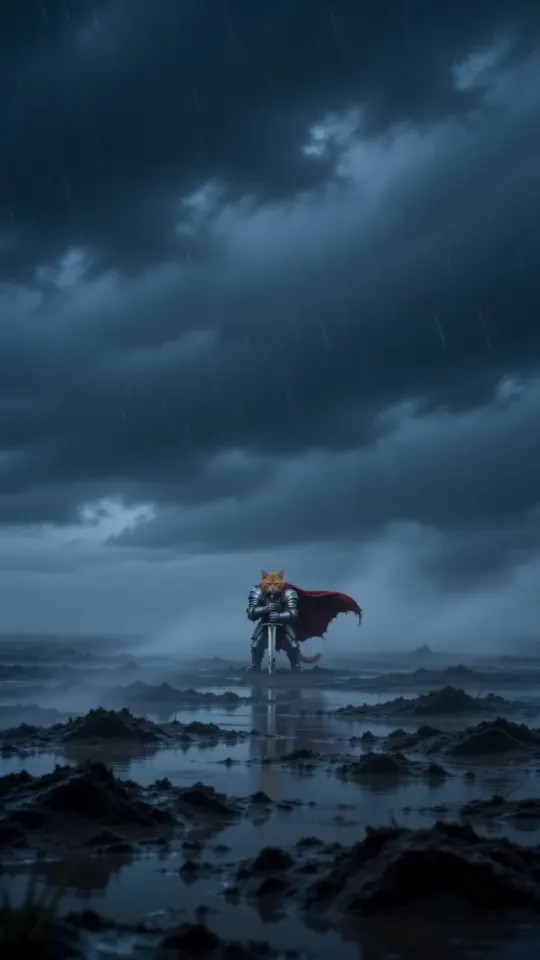
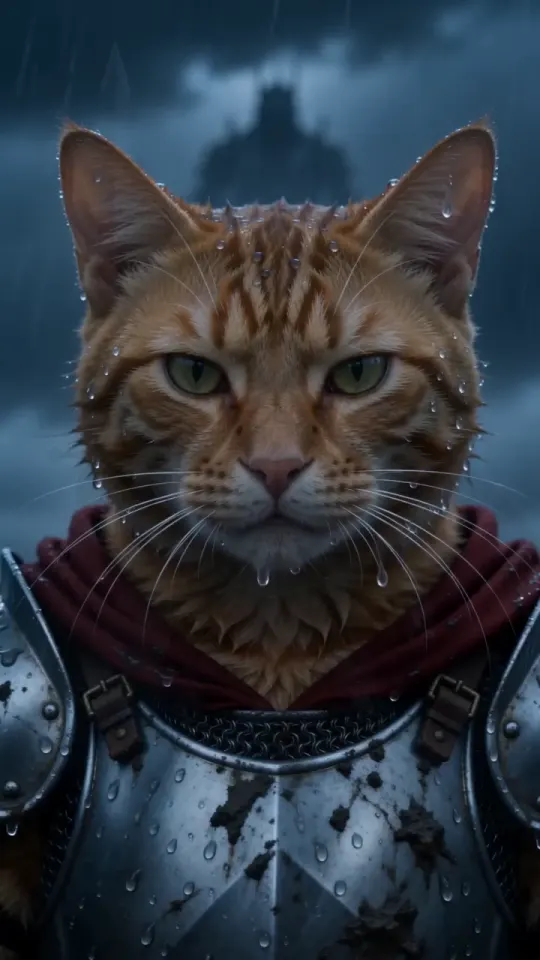
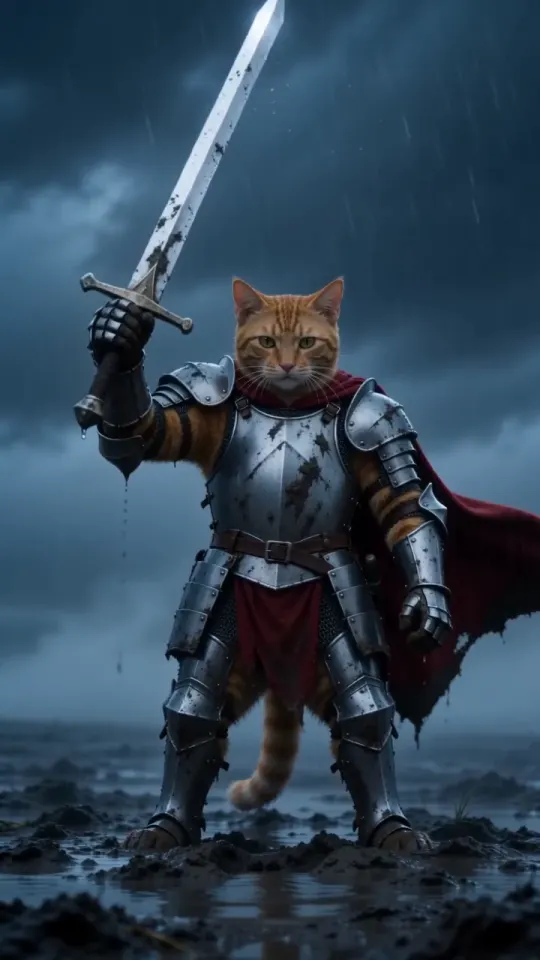
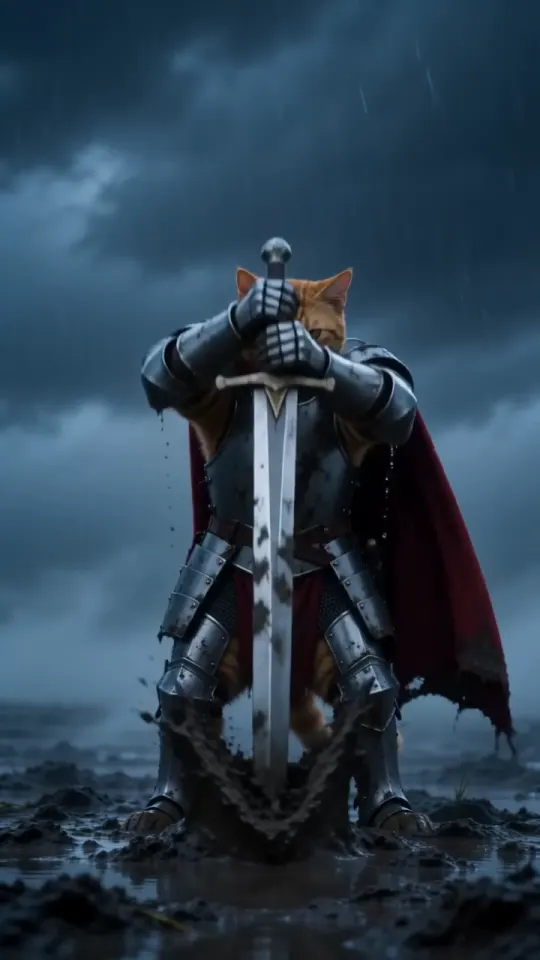
A vertical 9:16 cinematic fantasy clip, exactly 10 seconds, photoreal live action, epic film look: cold desaturated blue-grey grade, heavy fog, sideways rain, shallow depth of field, anamorphic lens. No text, no subtitles, no logos, no watermarks. THE KNIGHT is the pet from your pet photo: exactly its species, breed, size, face, eye colour, coat colour and markings, sharp and recognisable in every shot. It is a real, small animal standing upright on its hind legs like a tiny knight, wearing a fitted suit of polished, battle-scuffed silver plate armour sized for it (breastplate, pauldrons, gauntlets on the front paws), its own furry head bare, and a long crimson cape. Its ears, whiskers and fur stay its own. It is tiny next to the world around it. Setting: an empty, windswept moor at dusk, wet dark grass, mud and puddles, low storm clouds, fog rolling across the ground. A plain steel longsword, taller than the pet, is stuck point-down in the mud beside it. 0-3s: extreme wide shot, the camera pushes in slowly across the foggy moor toward the tiny armoured pet standing alone beside the sword, cape whipping sideways in the wind, rain slanting through the frame. 3-7s: medium shot at the pet's eye level, the pet grips the sword's hilt with both front paws and heaves it out of the mud in one strong pull, mud and rainwater spraying; it raises the sword high toward the sky for a moment, then lowers it to rest at its side, standing firm. 7-10s: low-angle close-up, the pet's face fills the frame, wet fur blowing in the wind, rain dripping from its whiskers, eyes narrowed and fearless, staring past the camera at something huge in the distance. Lightning flickers in the clouds behind it. Keep the same pet, same armour and same cape in every shot. Real animal anatomy, natural fur, steady face, no morphing. Avoid: cartoon, CGI look, a human, a person in an animal costume, a helmet covering the face, extra animals, extra limbs, distorted paws, flicker, text, captions, logos, watermarks. Sound: howling wind, heavy rain, distant thunder, the wet scrape and ring of the blade pulled from the mud, a low swelling cinematic drum hit at the end. No dialogue, no music with vocals.
自分も登場するバージョンでは、先に自分、次にペットの順で参照写真を2枚添付し、こちらを使ってください。
あなた+ペット用プロンプト
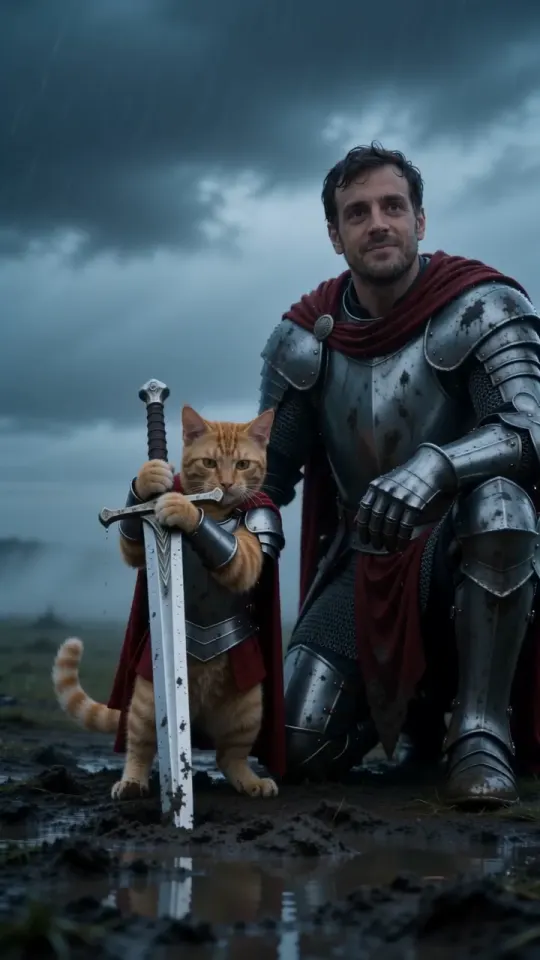
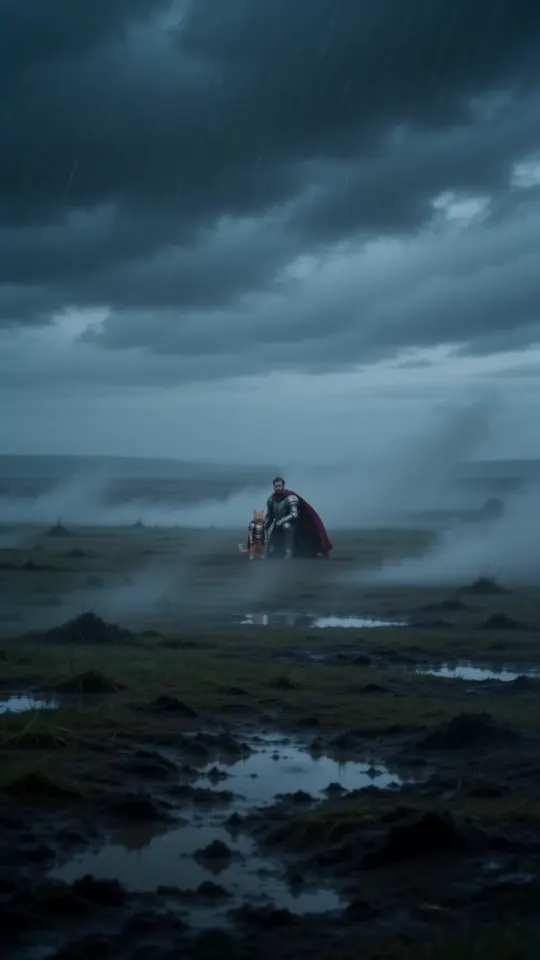
A vertical 9:16 cinematic fantasy clip, exactly 10 seconds, photoreal live action, epic film look: cold desaturated blue-grey grade, heavy fog, sideways rain, shallow depth of field, anamorphic lens. No text, no subtitles, no logos, no watermarks. TWO CHARACTERS, each from its own photo. Never swap them, never merge them, never add anyone else. THE BIG KNIGHT is the person from your photo: exactly their face, age, skin tone, hair, beard and eyes, sharp and recognisable in every shot. They wear full battle-scuffed silver plate armour with a long crimson cape, head bare so the face is always visible. Their own clothes from the photo never appear. THE TINY KNIGHT is the pet from your pet photo: exactly its species, breed, face, eye colour, coat colour and markings. It is a real, small animal standing upright on its hind legs, wearing a fitted suit of silver plate armour sized for it and a short crimson cape, its own furry head bare. It is tiny next to the person, its head about at the kneeling person's chest. Setting: an empty, windswept moor at dusk, wet dark grass, mud and puddles, low storm clouds, fog rolling across the ground. A plain steel longsword, taller than the pet, is stuck point-down in the mud beside it. 0-3s: extreme wide shot, the camera pushes in slowly across the foggy moor toward the two knights side by side, the big knight kneeling on one knee beside the tiny knight, both capes whipping sideways in the wind, rain slanting through the frame. 3-7s: medium two-shot at the pet's eye level, the tiny knight grips the sword's hilt with both front paws and heaves it out of the mud, mud and rainwater spraying, and raises it toward the storm; the kneeling big knight rests one armoured hand gently on the pet's back and looks down at it, proud. 7-10s: low-angle close two-shot, both faces in the rain, the person's face and the pet's face side by side, wet hair and wet fur, both staring past the camera at something huge in the distance, calm and fearless. Lightning flickers in the clouds behind them. Keep the same two characters, same armour and same capes in every shot. Real anatomy, natural fur, steady faces, no morphing. Avoid: cartoon, CGI look, swapping the person and the pet, a second person, extra animals, the person's everyday clothes, a helmet covering either face, a person in an animal costume, extra limbs, distorted paws or hands, flicker, text, captions, logos, watermarks. Sound: howling wind, heavy rain, distant thunder, the wet scrape and ring of the blade pulled from the mud, a low swelling cinematic drum hit at the end. No dialogue, no music with vocals.
- 何度か試すつもりで始めましょう。汎用ツールでは、ショットの順番や鎧、ペットの模様が変わることがあります。
- 無料枠では、透かしが入ったり、動画が短くなったりすることがよくあります。
- 音声を生成できないツールなら、編集時や投稿時に嵐の効果音を加えましょう。
プロンプトページには、両方のプロンプトとコピーボタン、構成の解説があります。
方法3:静止画を作ってから動かす
まずAI画像ツールでペットが鎧を着た1枚の画像を作り、それを動画ツールに渡して動かす方法もあります。衣装を細かく調整できますが、ツールが2つになり、それぞれで再試行が必要で、料金も2回かかることがあります。段階ごとに顔が変わる可能性もあります。また、最初から縦長の静止画を作らないと、切り抜きで剣が切れてしまいます。
この方法では、上のプロンプトの最初の2ショットを画像生成用に使い、その静止画を添付してプロンプト全文で動画を作ってください。
どの方法を選ぶ?
- 今日中に投稿したいなら方法1。写真1枚から、音声付きの動画1本ができます。
- すでに有料の動画ツールを使っているなら方法2。公開プロンプトを使ってみてください。
- 衣装や舞台を自由に作りたいなら方法3。じっくり試す時間も用意しましょう。
質問
ここでKnight Cat AI動画を作るのにアカウントは必要ですか?
いいえ。写真をアップロードし、Apple Pay、Google Pay、カードで支払うと、動画のリンクがメールで届きます。
動画は何秒ですか?
10秒です。標準は縦長9:16で、横長16:9も選べます。嵐の音声が付きます。
プロンプトは無料で使えますか?
はい。このガイドかプロンプトページからコピーして、お好きなツールで使えます。料金がかかるのは、ここで動画を生成する場合だけです。