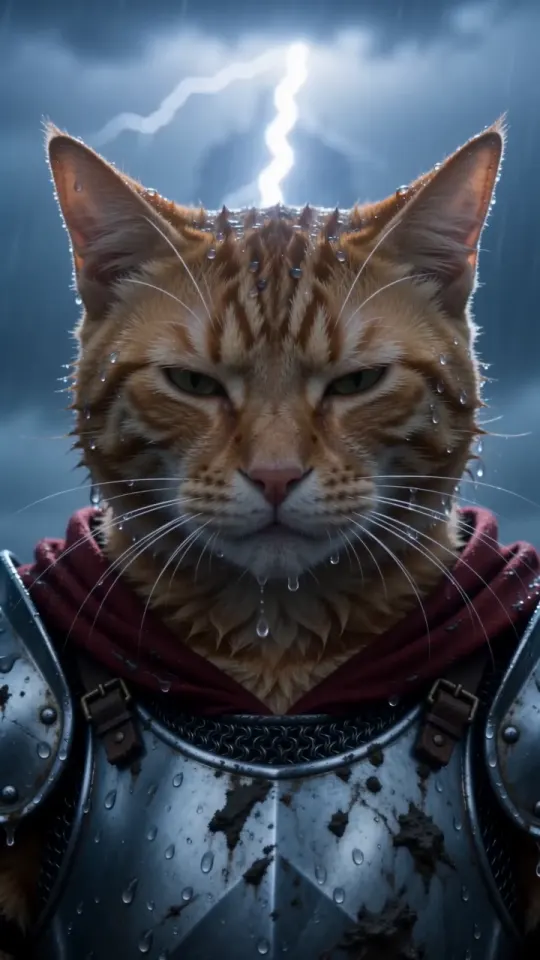
Cómo hacer un video Knight Cat AI (3 formas + prompt gratis)
Tres formas de hacer un video Knight Cat AI con tu mascota: una foto aquí, nuestro prompt gratis en otra herramienta de video con IA o una imagen que luego animas. Incluye pasos y prompts.
6 min de lectura · Actualizado el
Qué necesitas
Una foto nítida de tu gato o perro, con la cara visible. Para la versión en la que te arrodillas a su lado, también una foto tuya. Nada más: sin grabar, sin disfraces, sin aplicaciones de edición. Si no sabes si tu foto sirve, la guía de fotos tiene siete comprobaciones rápidas.
Forma 1: una foto aquí (unos 3 minutos)
- Abre el creador y sube la foto de tu mascota. Para Tú + tu mascota, cambia el modo y añade primero tu foto y después la de tu mascota.
- Elige el formato vertical 9:16 para TikTok, Reels y Shorts, o el horizontal 16:9. Elige Estándar 480p o HD 720p.
- Pulsa Crear mi video y elige un paquete. Paga con Apple Pay, Google Pay o tarjeta. No necesitas una cuenta.
- Espera unos tres minutos. Puedes cerrar la pestaña: te enviamos un enlace por correo cuando el video esté listo.
- Descárgalo y publícalo. Eliminamos el video y tus fotos 3 días después de que esté listo, así que guárdalo antes.
Estándar y HD cuestan lo mismo: un video de tu paquete. Si la generación falla, se devuelve automáticamente a tu paquete. Un video cuesta $5.99 y, con los paquetes, el precio baja hasta $3.00 por video; consulta los precios.
Forma 2: nuestro prompt gratis en otra herramienta de video con IA
Cualquier herramienta que genere video a partir de una imagen y acepte una foto de referencia y un prompt de texto puede intentarlo. Adjunta la foto de tu mascota como referencia, pega el prompt de abajo y configura una duración de 10 segundos y una proporción de 9:16 si la herramienta lo permite. Las herramientas que solo aceptan texto no pueden conservar la cara de tu mascota.
Prompt de mascota caballero
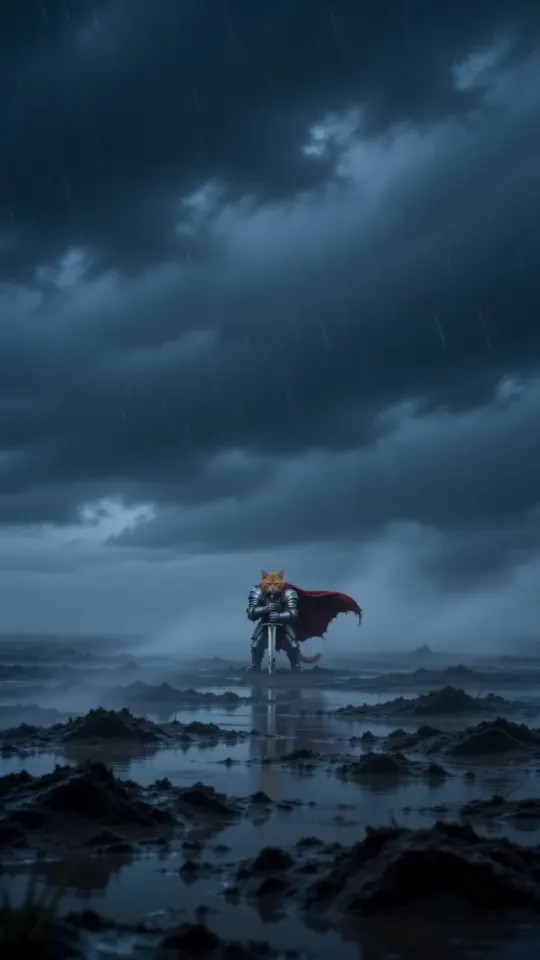
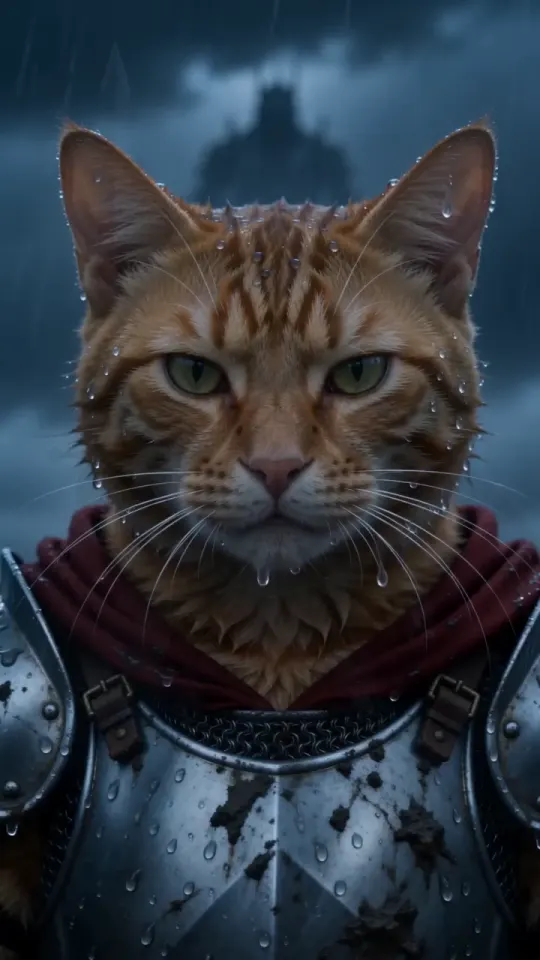
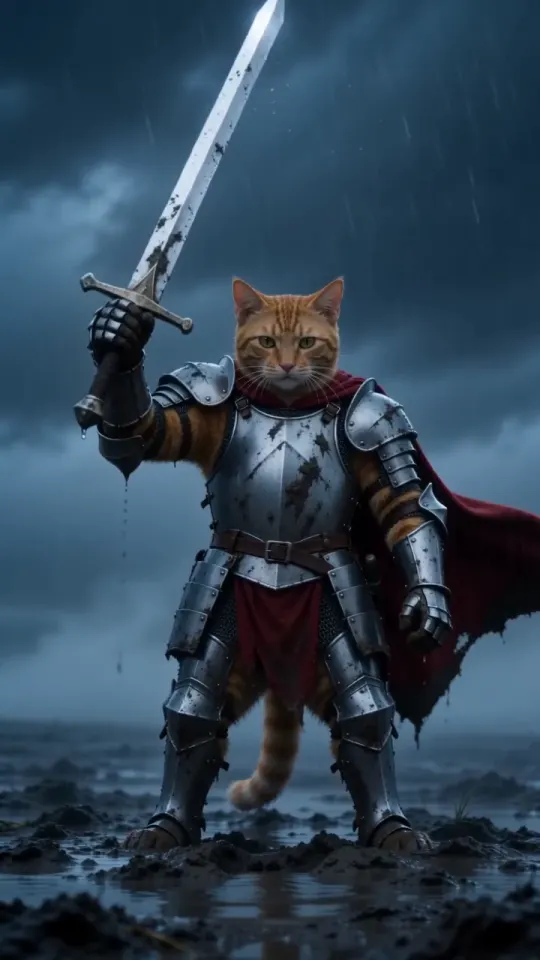
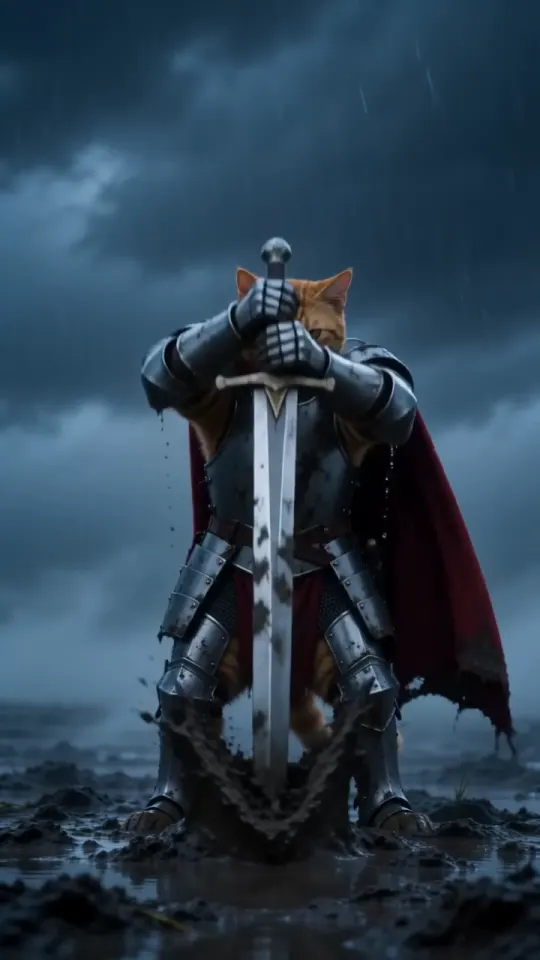
A vertical 9:16 cinematic fantasy clip, exactly 10 seconds, photoreal live action, epic film look: cold desaturated blue-grey grade, heavy fog, sideways rain, shallow depth of field, anamorphic lens. No text, no subtitles, no logos, no watermarks. THE KNIGHT is the pet from your pet photo: exactly its species, breed, size, face, eye colour, coat colour and markings, sharp and recognisable in every shot. It is a real, small animal standing upright on its hind legs like a tiny knight, wearing a fitted suit of polished, battle-scuffed silver plate armour sized for it (breastplate, pauldrons, gauntlets on the front paws), its own furry head bare, and a long crimson cape. Its ears, whiskers and fur stay its own. It is tiny next to the world around it. Setting: an empty, windswept moor at dusk, wet dark grass, mud and puddles, low storm clouds, fog rolling across the ground. A plain steel longsword, taller than the pet, is stuck point-down in the mud beside it. 0-3s: extreme wide shot, the camera pushes in slowly across the foggy moor toward the tiny armoured pet standing alone beside the sword, cape whipping sideways in the wind, rain slanting through the frame. 3-7s: medium shot at the pet's eye level, the pet grips the sword's hilt with both front paws and heaves it out of the mud in one strong pull, mud and rainwater spraying; it raises the sword high toward the sky for a moment, then lowers it to rest at its side, standing firm. 7-10s: low-angle close-up, the pet's face fills the frame, wet fur blowing in the wind, rain dripping from its whiskers, eyes narrowed and fearless, staring past the camera at something huge in the distance. Lightning flickers in the clouds behind it. Keep the same pet, same armour and same cape in every shot. Real animal anatomy, natural fur, steady face, no morphing. Avoid: cartoon, CGI look, a human, a person in an animal costume, a helmet covering the face, extra animals, extra limbs, distorted paws, flicker, text, captions, logos, watermarks. Sound: howling wind, heavy rain, distant thunder, the wet scrape and ring of the blade pulled from the mud, a low swelling cinematic drum hit at the end. No dialogue, no music with vocals.
Para la versión en la que apareces tú, adjunta dos referencias, primero tu foto y después la de tu mascota, y usa este prompt:
Prompt de Tú + tu mascota
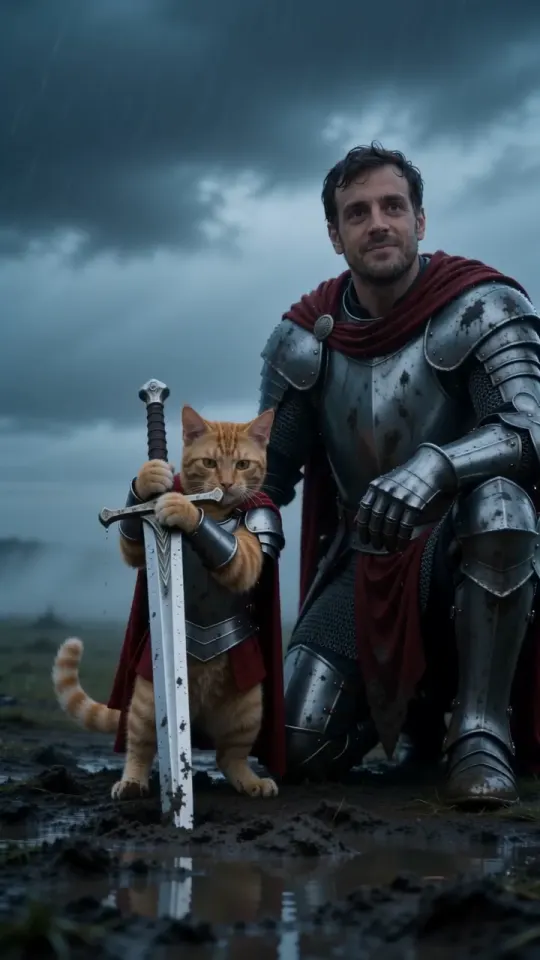
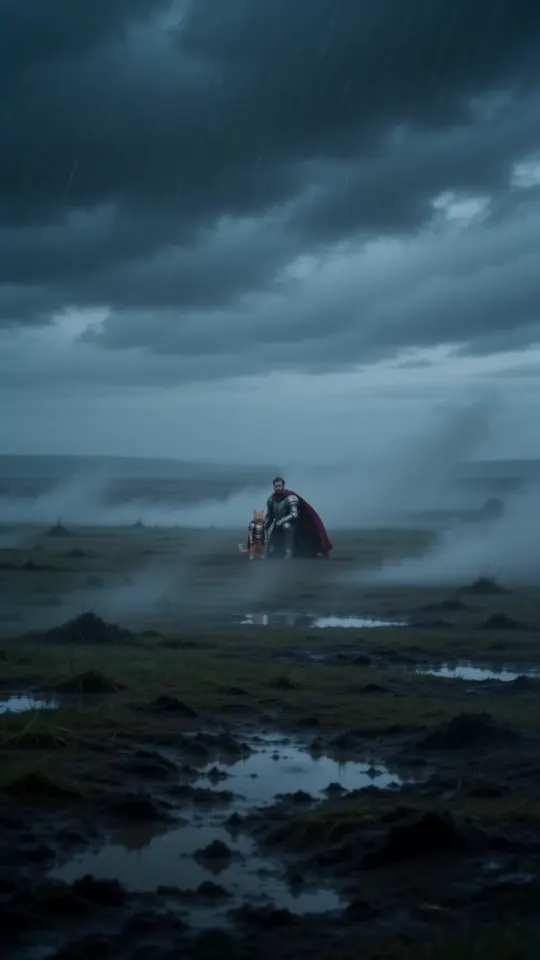
A vertical 9:16 cinematic fantasy clip, exactly 10 seconds, photoreal live action, epic film look: cold desaturated blue-grey grade, heavy fog, sideways rain, shallow depth of field, anamorphic lens. No text, no subtitles, no logos, no watermarks. TWO CHARACTERS, each from its own photo. Never swap them, never merge them, never add anyone else. THE BIG KNIGHT is the person from your photo: exactly their face, age, skin tone, hair, beard and eyes, sharp and recognisable in every shot. They wear full battle-scuffed silver plate armour with a long crimson cape, head bare so the face is always visible. Their own clothes from the photo never appear. THE TINY KNIGHT is the pet from your pet photo: exactly its species, breed, face, eye colour, coat colour and markings. It is a real, small animal standing upright on its hind legs, wearing a fitted suit of silver plate armour sized for it and a short crimson cape, its own furry head bare. It is tiny next to the person, its head about at the kneeling person's chest. Setting: an empty, windswept moor at dusk, wet dark grass, mud and puddles, low storm clouds, fog rolling across the ground. A plain steel longsword, taller than the pet, is stuck point-down in the mud beside it. 0-3s: extreme wide shot, the camera pushes in slowly across the foggy moor toward the two knights side by side, the big knight kneeling on one knee beside the tiny knight, both capes whipping sideways in the wind, rain slanting through the frame. 3-7s: medium two-shot at the pet's eye level, the tiny knight grips the sword's hilt with both front paws and heaves it out of the mud, mud and rainwater spraying, and raises it toward the storm; the kneeling big knight rests one armoured hand gently on the pet's back and looks down at it, proud. 7-10s: low-angle close two-shot, both faces in the rain, the person's face and the pet's face side by side, wet hair and wet fur, both staring past the camera at something huge in the distance, calm and fearless. Lightning flickers in the clouds behind them. Keep the same two characters, same armour and same capes in every shot. Real anatomy, natural fur, steady faces, no morphing. Avoid: cartoon, CGI look, swapping the person and the pet, a second person, extra animals, the person's everyday clothes, a helmet covering either face, a person in an animal costume, extra limbs, distorted paws or hands, flicker, text, captions, logos, watermarks. Sound: howling wind, heavy rain, distant thunder, the wet scrape and ring of the blade pulled from the mud, a low swelling cinematic drum hit at the end. No dialogue, no music with vocals.
- Prepárate para varios intentos. Las herramientas generales pueden alterar el orden de los planos, la armadura o las marcas del pelaje.
- Los planes gratuitos suelen añadir una marca de agua o acortar el video.
- Si la herramienta no genera sonido, añade un efecto de tormenta al editar o publicar.
La página de prompts incluye ambos prompts con un botón para copiarlos y explica cómo están escritos.
Forma 3: crea una imagen y luego anímala
Algunas personas generan primero una imagen de su mascota con armadura en una herramienta de imágenes con IA y después la llevan a una herramienta de video para animarla. Esto permite controlar mejor el vestuario, pero supone usar dos herramientas, repetir intentos en ambas y, a menudo, pagar dos veces. La cara puede cambiar en cada paso y la imagen debe ser vertical desde el principio, o el recorte cortará la espada.
Si eliges este método, usa los dos primeros planos del prompt anterior como prompt para la imagen, y el prompt completo con tu imagen adjunta para el video.
Qué opción elegir
- Quieres publicarlo hoy: forma 1. Una foto, un video, sonido incluido.
- Ya pagas por una herramienta de video: forma 2, con nuestro prompt.
- Quieres un vestuario o un escenario a tu medida: forma 3, con mucha paciencia.
Preguntas
¿Necesito una cuenta para hacer un video Knight Cat AI aquí?
No. Subes una foto, pagas con Apple Pay, Google Pay o tarjeta y recibes el enlace a tu video por correo.
¿Cuánto dura el video?
10 segundos, en formato vertical 9:16 por defecto o en horizontal 16:9, con el sonido de la tormenta.
¿Puedo usar el prompt gratis?
Sí. Cópialo de esta guía o de la página de prompts y úsalo en la herramienta que quieras. Solo cobramos por los videos que se crean aquí.